If you have just unboxed WHOOP and your first morning has no green, yellow or red Recovery score, that does not automatically mean the device is faulty. WHOOP needs to collect data first, and its features do not all become available at the same time. Its calibration table requires 3 completed Recoveries for a coloured Recovery score—not merely leaving the device switched on for three days.[1]
Start your first week by pairing the device, checking the fit and collecting overnight data.[2][5]
Then learn to read Sleep, Recovery and Strain alongside what actually happened during your day. Use Journal to record your routine for now; there is no need to rush into conclusions about how coffee, late meals or hard training relate to your scores.[3][4][6]
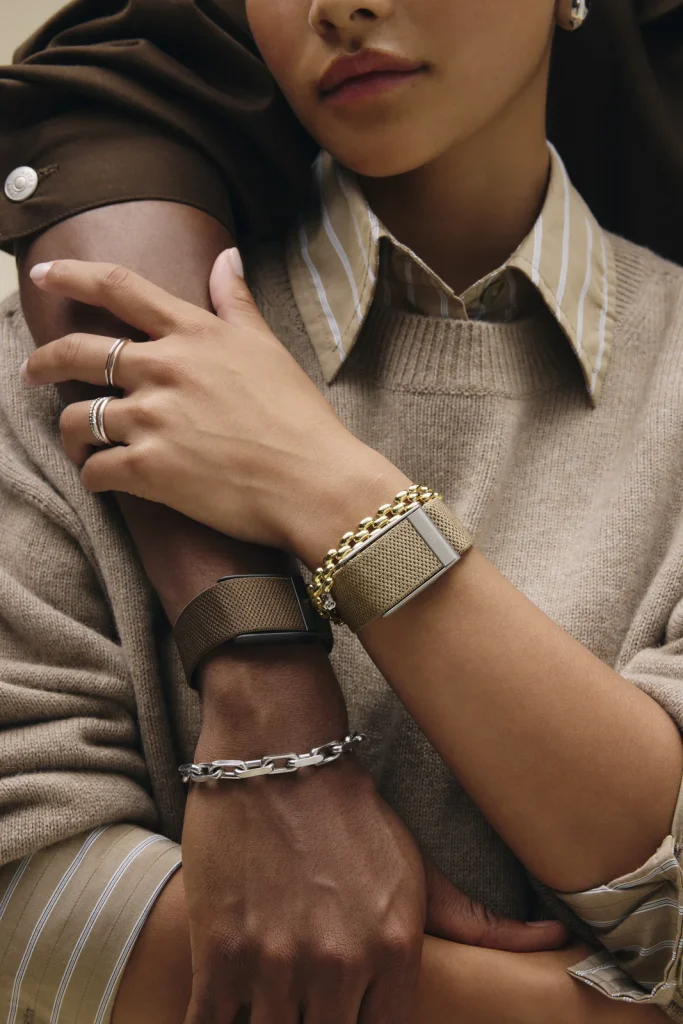
Image: WHOOP / Original
Before You Start: A Familiarisation Plan, Not a Feature-Unlock Schedule
The plan below is this article’s suggested order of things to try, not an official WHOOP onboarding programme. If a night of sleep data is missing or the app has not finished processing it, the number of days you have worn WHOOP may differ from the number of completed Recoveries. Some features also depend on membership, age and country.[1]
You do not need to follow each day exactly. If the first step is still unresolved, fix pairing or missing sleep data before moving on.
Day 1: Pair in the App and Check the Fit
Install the WHOOP app, charge the device, enable Bluetooth and sign in to the account linked to your membership. If you already have a membership, follow WHOOP’s account instructions rather than creating a duplicate account just because the device has arrived.[2]
Pair through Pair New Device inside the app and choose the appropriate device model. Do not rely on the phone’s Bluetooth settings alone. For Android, WHOOP’s guide also specifies the Bluetooth and Location permissions needed to discover the device. Menu names may differ by phone and operating system.[2]
Once paired, check the band’s fit. Position the device about one inch above the wrist bone, with the sensor against the skin and the band secure enough not to slide, but not tight enough to hurt. WHOOP’s fitting instructions call for a snug fit, not the tightest possible fit.[2]
There is no need to switch on every feature today. Successful pairing and a comfortable, secure fit are enough to start collecting data.
Day 2: Check the First Night’s Data Before Judging Your Sleep
Wear WHOOP during sleep. In the morning, open the app to sync and check whether the sleep record’s start and end times match the night you remember. Sleep details distinguish time in bed, time asleep, awake periods and sleep stages. Time in bed is therefore not necessarily the same as time asleep.[5]
The Calibration Timeline says Sleep Performance can appear after the first completed Recovery. Seeing a score does not mean every component has finished calibrating at the same time.[1]
Treat the first night as a starting point. If the sleep times do not match what you remember, check the record first rather than using a single night to decide that you habitually sleep well or poorly.
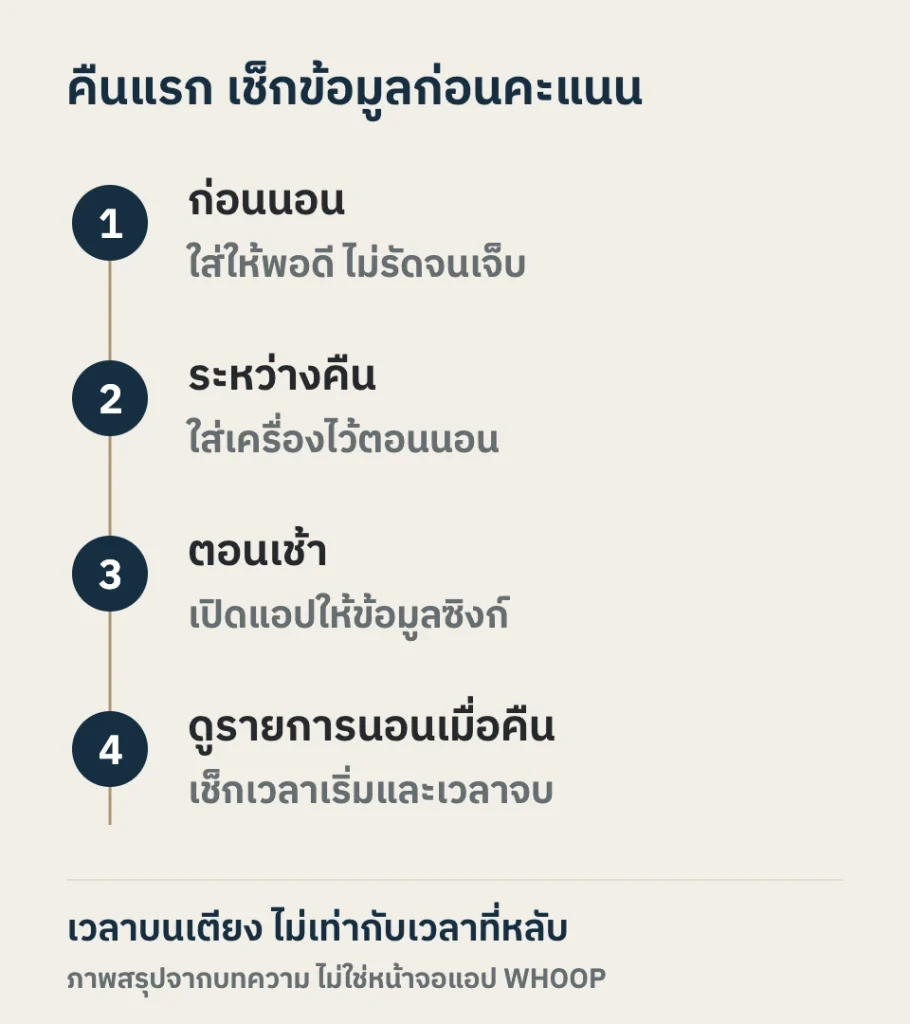
Diagram: LUXE MORE / Supporting source
Day 3: Learn to Read Recovery Without Comparing It with Friends
If a coloured Recovery score is still missing, check whether enough data has been collected. WHOOP specifies 3 Recoveries; it does not promise that every account will show a colour on the third morning of wear.[1]
Once a score appears, look at last night’s sleep and how resting heart rate and HRV differ from previous days. WHOOP calculates Recovery using several variables and gradually refines its understanding of each person’s baseline as more data become available.[3]
A friend’s HRV is not a target you need to reach. WHOOP compares HRV with your own baseline, and a green Recovery score is not a certificate of good health. If you have unusual symptoms, consult a healthcare professional rather than letting the score overrule those symptoms.[3]
Day 4: Read Strain from a Normal Day—Do Not Chase a Higher Score
Wear WHOOP through a normal workday or workout, then look at whole-day Strain and activity Strain separately. WHOOP uses a non-linear scale from 0 to 21, so individual activity scores are not numbers you can simply add together to obtain the day’s score.[4]
Strain reflects the load the system estimates from physical exertion. It is not a measure of diligence and does not directly represent calories burned.[4]
If today is a rest day, do not add training just to increase the number. At first, observe the scores associated with different kinds of days and read them alongside how tired you actually feel.
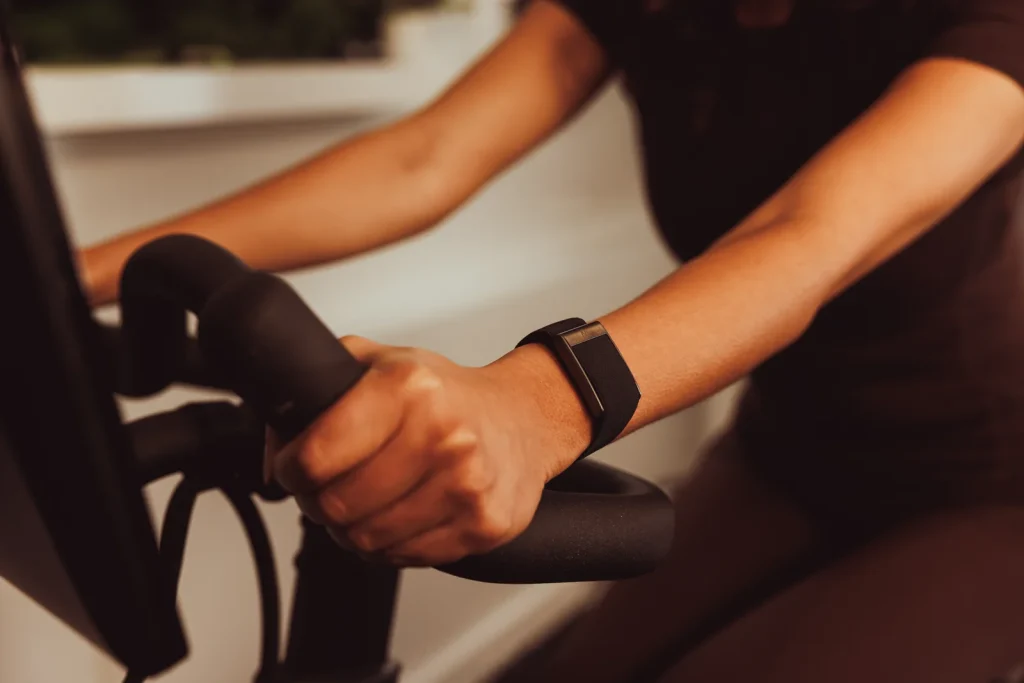
Image: WHOOP / Original
Day 5: Choose Journal Items You Can Record Every Day
Try starting with two or three parts of your routine, such as caffeine, late meals or working late. This number is an editorial suggestion, not an app requirement. Keep the list short enough to answer honestly on both days when you do the behaviour and days when you do not.
Check the date of each entry. The morning Journal prompt usually asks about yesterday, whereas opening Journal yourself during the day starts on today’s date. Check the date at the top before saving.[6]
Do not expect a clear impact for each behaviour during the first week. WHOOP specifies at least 5 Yes and 5 No responses within a 90-day period for each behaviour, together with data that can be used for analysis, to generate Recovery Impacts.[6][7]
These data show associated patterns, not proof of cause and effect. If working late also means drinking coffee late, it is not easy to separate their relationships with the score. Do not change medication or supplements, or try risky behaviours, merely to fill out the data.
Day 6: Separate Missing Data from Incomplete Calibration
Check whether the past several days contain complete sleep records, whether pairing and connection have been reliable, and whether you removed the device on any night and missed data. Resolve data gaps before trying to improve the scores.
Some metrics need longer than the first week to calibrate. WHOOP’s table lists full calorie calibration at 14 Recoveries. Healthspan requires 21 Recoveries in the preceding 31 days and a Peak or Life membership, with a minimum age of 18.[1]
If sleep data are present but Recovery is still missing, distinguish that symptom from a device that cannot connect or will not charge: the checks are different.
Day 7: Review the Week and Choose One Thing to Keep Tracking
Look back at the previous days. Which nights were later than usual? Which days involved hard activity? Where are the data gaps? WHOOP recommends examining Recovery trends rather than focusing on a single day’s fluctuation.[3]
One week is still a small amount of data for deciding what improves or worsens a score. Continued Journal entries make it easier to revisit patterns. WHOOP recommends tracking behaviours for at least 30 days to gain longer-term insights.[7]
For the next week, choose one manageable thing to continue, such as consistently recording bedtime and wake time, and consider both the data and how refreshed you feel in the morning. There is no need to change diet, training and sleep schedules all at once.
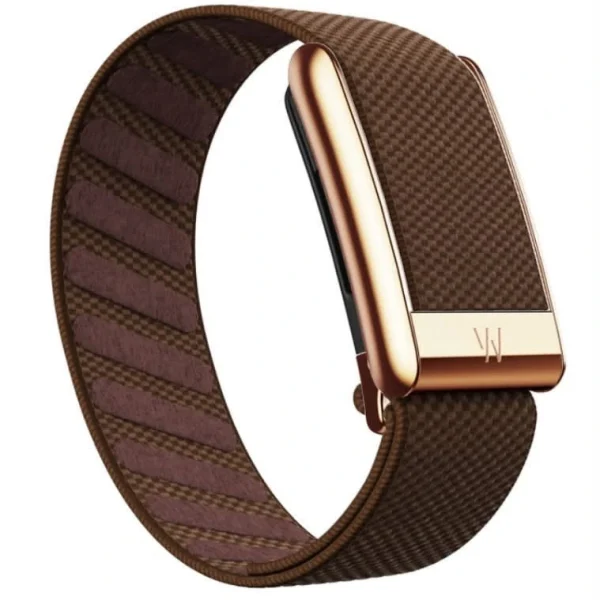
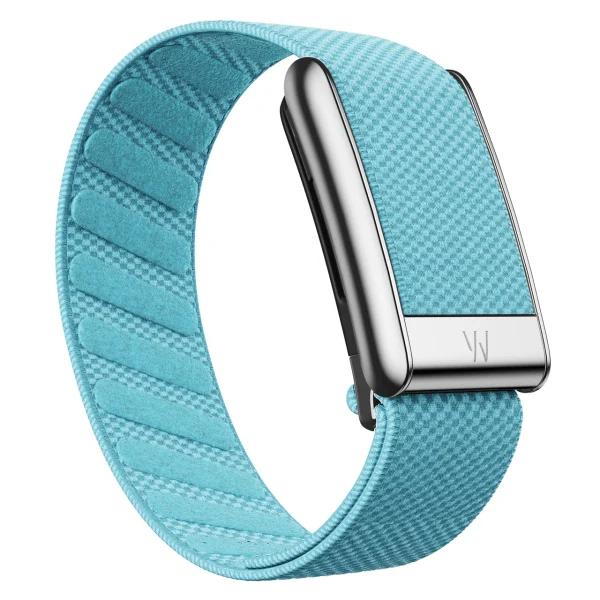
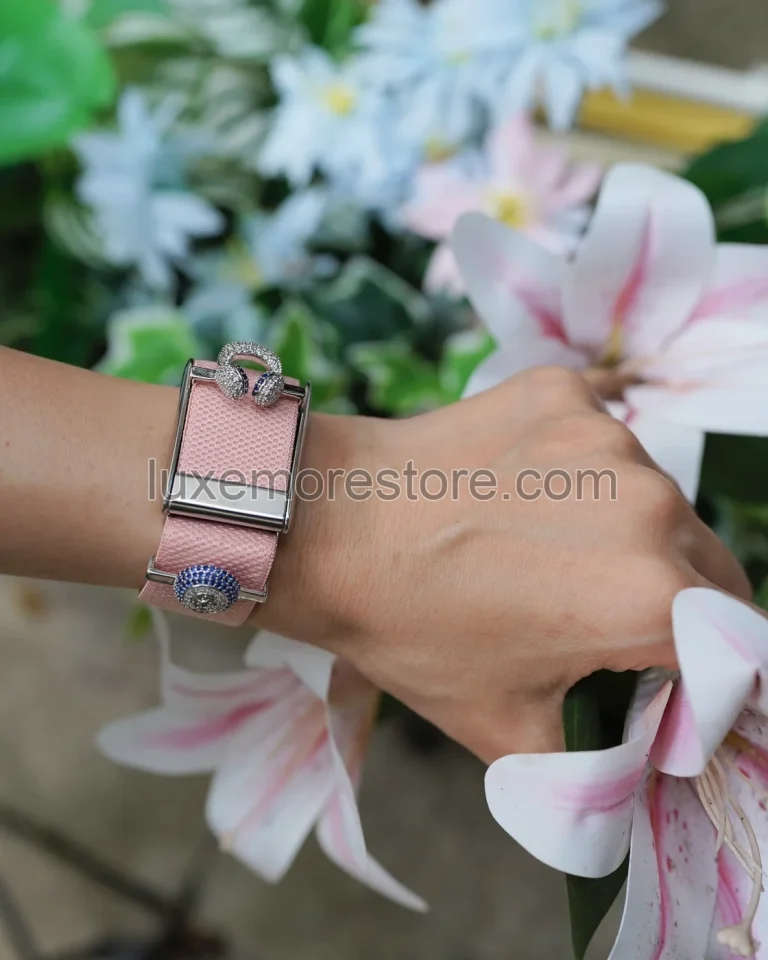
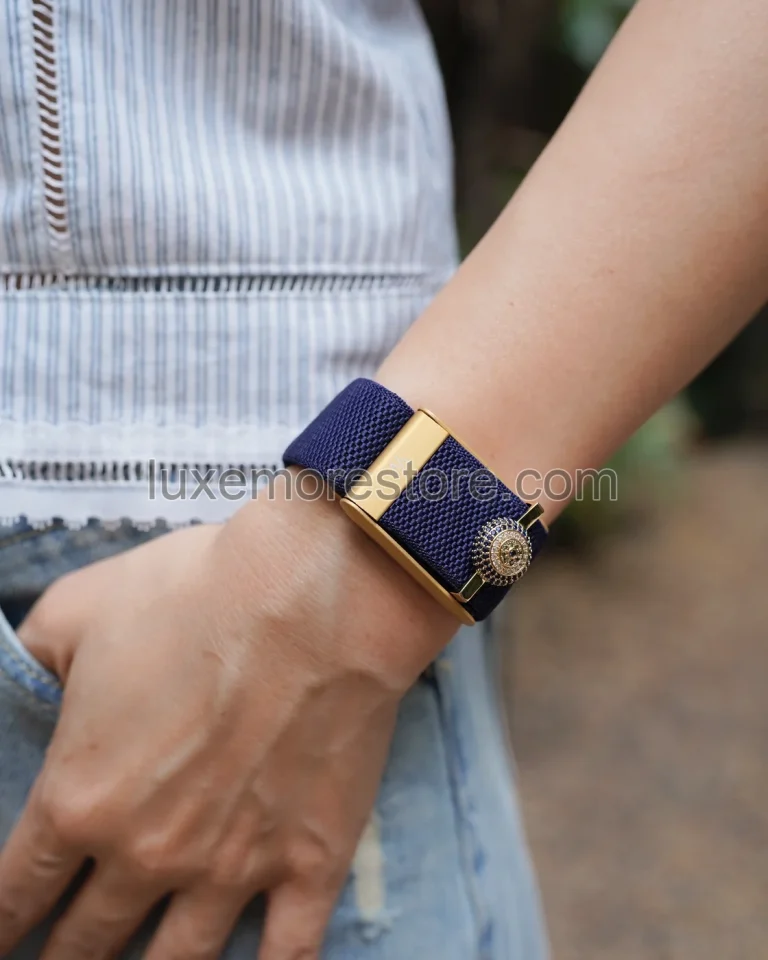
If you change bands, choose one for the style or fit you want—not to unlock scores in the app. LUXE MORE’s SuperKnit Luxe bands currently come in one size, not a range of sizes. The shop’s latest information confirms support for WHOOP 5.0 only; it does not currently confirm any product as compatible with WHOOP MG.
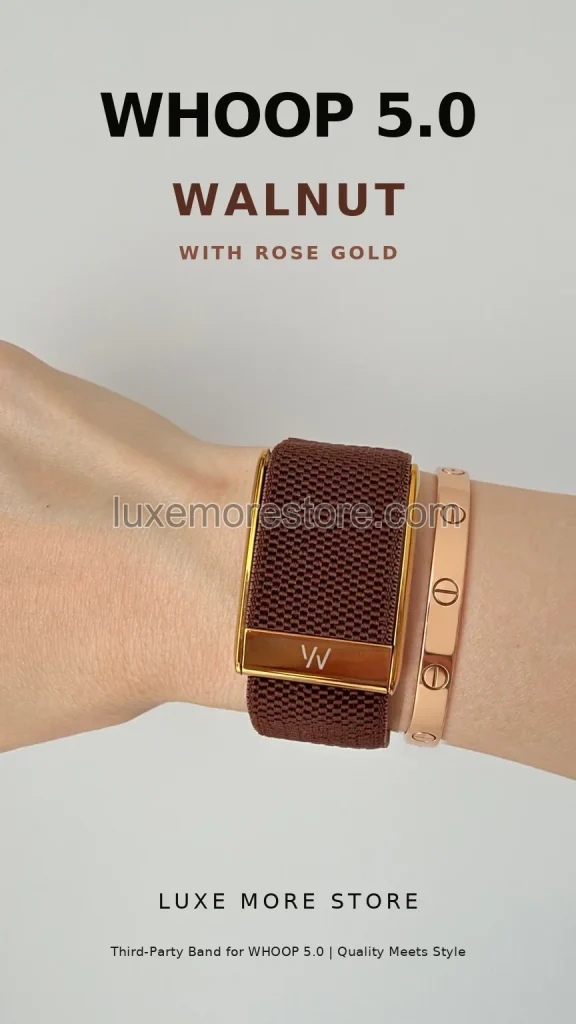
Image: LUXE MORE / Original

Image: LUXE MORE / Original
Which Scores Should You Avoid Judging Too Soon?
| What you see | Do not immediately conclude | What to check next |
|---|---|---|
| No coloured Recovery score | The device is definitely faulty | Has the system recorded 3 completed Recoveries, and is the sleep data complete? WHOOP’s table requires 3 Recoveries for a coloured score.[1] |
| HRV lower than a friend’s | You are less fit or less healthy | Compare with your own baseline and the context of each day.[3] |
| Green Recovery | You can push through anything today | Consider symptoms and actual fatigue too. The score is not a diagnosis.[3] |
| Low Strain | You did nothing all day | Separate day Strain from activity Strain; do not treat it as a diligence score.[4] |
| No Journal Impacts yet | That behaviour has no effect | Check the Yes/No counts and Recovery data available for analysis.[6][7] |
| No Healthspan after 7 days | The device or account is faulty | Check completed Recoveries, membership and age—not calendar days alone.[1] |
Frequently Asked Questions for New WHOOP Users
Should I wear WHOOP while sleeping?
Yes, if you want Sleep and Recovery data. WHOOP records overnight data and calculates Recovery during sleep, then presents the score in the morning.[3][5]
How many days does WHOOP need before all scores appear?
There is no single day count for every feature. Refer to the Calibration Timeline: a coloured Recovery score needs 3 Recoveries, while Healthspan needs 21 Recoveries in the preceding 31 days, along with the membership and age requirements.[1]
Why is Recovery not green even after several hours of sleep?
Recovery does not depend on sleep duration alone. HRV, resting heart rate, respiratory rate and other data contribute too. Examine details and trends over several days rather than judging one morning.[3]
Do I need a new band to start using WHOOP?
No. If your existing band fits properly and is in good condition, you can begin with it using the manufacturer’s instructions. If you later want a different colour or style, check the device model and the new band’s details first.
Tonight, start with something you can actually check: a comfortable, secure fit, followed by a record of last night’s sleep in the morning.
LUXE MORE is an independent third-party retailer and is not affiliated with, endorsed by, sponsored by, or an authorized reseller of WHOOP. WHOOP is a trademark of its respective owner.