The short answer is: once the membership ends, WHOOP will no longer collect, upload, or analyze new biometric data. This is not a device you can buy and then keep using for free health tracking. However, the day you cancel may not be the day the service stops, so check the membership end date in your account too. [1]
Cancel Today and Your Membership May Still Remain Active
If you still have paid membership time remaining, scheduling cancellation at the end of the term does not immediately remove the time you have left. For example, if you paid for a full year in advance and turn off renewal, the account remains active until the confirmed end date. It does not automatically end halfway through the year with a refund for the remaining time. [1][3]
If you pay in monthly installments, first check whether you are still within a commitment period. “Monthly” describes how you pay; it does not always mean you can stop paying in any month. WHOOP distinguishes memberships that still have a commitment obligation from monthly memberships that have completed that period. [1][2]
Before leaving the cancellation page, check the confirmed end date and any amount still due, then save the confirmation email or other proof. To compare the cost of each plan, continue with the WHOOP membership price guide.
This timeline applies to a paid membership scheduled to cancel at the end of its term, not to cancellation during a trial. [1][3]
What Can the Device Do After the Membership Ends?
WHOOP states clearly that after the membership ends, no new biometric data will be collected, uploaded, or analyzed. You should therefore not expect to keep wearing the device to record sleep or workouts and then pay later to view that data. [1]
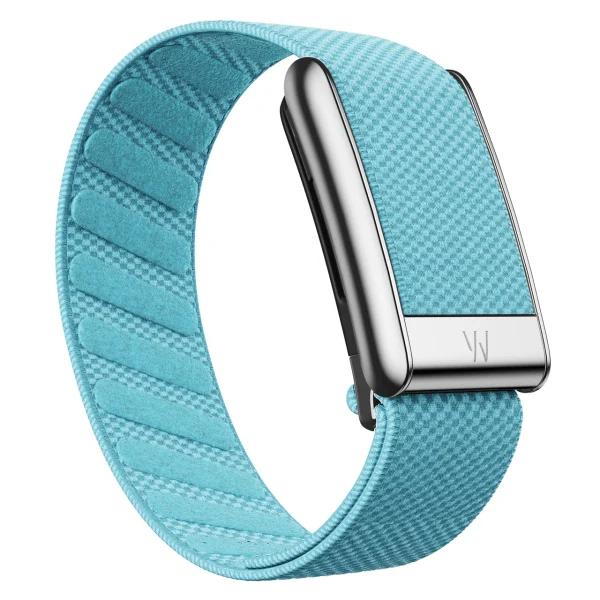
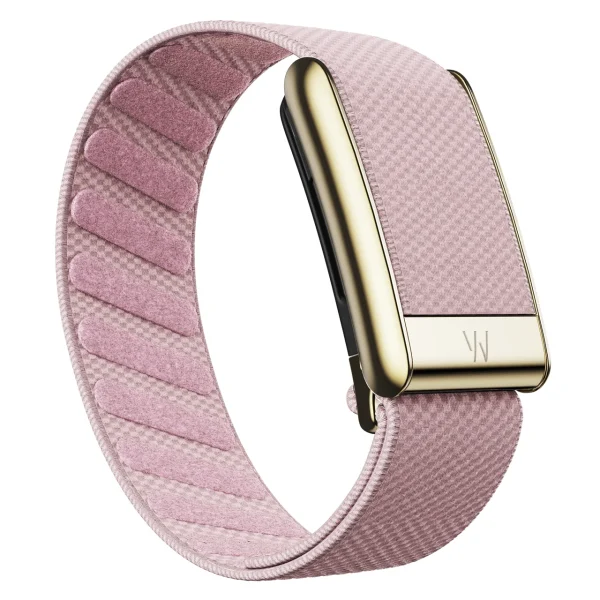
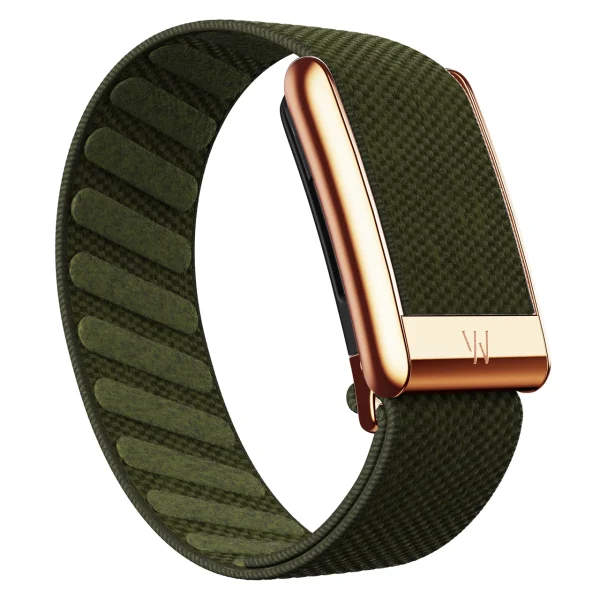
The device, the band, and the membership service are separate. Having a spare band or buying a new one does not renew the service or enable an expired account to start recording data again.
If you are starting with WHOOP, factor in the membership cost before buying the device rather than looking only at the price of the device and band. If you have never used WHOOP, read the WHOOP beginner’s guide first to see what is required and what is optional.
Will You Still Be Able to View Historical Data?
WHOOP’s help page says historical data remains viewable after cancellation, while its Terms of Use say that after the membership ends, account content will no longer be available through the Services and that you may contact Membership Services to request your data. These two documents do not give the same answer, so do not rely on access through the app as the only way to preserve history you want to keep. [1][3]
Before the membership ends, request a download of the data you want to keep through WHOOP’s privacy channel, and open the files you receive to check them. Submitting a request does not mean you already have a usable copy in hand. [4]
WHOOP says that if you reactivate your membership within 90 days, it will retain your data and you will not need to recalibrate your biometric baseline. After that period, you will need to establish a new biometric baseline. This does not confirm that all historical data is deleted on day 91. [1]
Cancelling a Membership Is Not the Same as Deleting an Account
To stop renewal, manage the membership. To close the account and request deletion of personal data, you must submit a separate request. The end of a membership does not automatically close the account. [3][4]
Before requesting account deletion, save the data you want to keep and check any payment obligations. WHOOP says it may retain some data for as long as necessary, such as transaction records or information connected with legal requirements. Do not assume that every record disappears immediately when you request account deletion. [4]
If You Are Still in a Trial, Check the Return Requirements Too
If WHOOP sent you a trial kit, cancellation also involves returning the equipment. This differs from choosing not to renew a fully paid membership. WHOOP says that if you do not cancel before the trial ends, it will convert to a paid membership under the terms of the offer. When you cancel a trial, access to features ends immediately; it does not continue until the end of the trial period. [5]
However, if you started the trial through WHOOP’s Upcycle program for passing on an existing device, WHOOP’s return-policy page says the device does not need to be returned. Check which type of offer you have before applying the standard trial-kit return process. [6]
For a trial kit that must be returned, check two separate dates: the deadline to cancel and the deadline to return the device and charger. Keep the return label and proof that you handed over the shipment. Do not rely on merely deleting the app or stopping use of the device. [5][6]
For return deadlines, the help documentation and the Terms of Use reviewed for this article specify different time periods. If the information in your account and on the label differs, contact WHOOP for confirmation, and do not wait until the shorter deadline has passed. [1][3]
Before You Stop Paying, Check Everything in Your Account
Open the WHOOP membership page and check the following before confirming:
- The membership end date and the next renewal date
- Your current plan and any remaining commitment period
- Any amount still due after scheduling cancellation
- A copy of the data you want to keep, checked to confirm that the files open
- If you are in a trial, the return label and equipment-return deadline
This article is based on WHOOP’s English-language documentation reviewed on November 4, 2026. Terms may vary by country of enrollment, legacy plan, or account-specific offer. Follow the details shown in your account and ask WHOOP for confirmation if anything remains unclear.
LUXE MORE sells bands and charms, not WHOOP devices or memberships. If you plan to wear WHOOP again, arrange the membership first, then choose accessories that match your device model.
Questions Before You Stop Using WHOOP
Does Deleting the App Stop Renewal?
No. Deleting the app is not how you cancel a membership. Manage the membership and check the end date confirmed by the system. Stopping use of the device does not replace this process.
If I Paid in Advance and Cancel, How Long Can I Keep Using It?
If cancellation is scheduled for the end of the term, the service remains available until the end date confirmed in the account. Do not infer the end date from the day you pressed the cancel button.
Can I Keep Using WHOOP After the Membership Ends If I Buy a New Band?
Buying a band does not add membership access. A band is an accessory separate from WHOOP’s service. To enable the account to record data again, you must arrange the membership with WHOOP.
If I Return Later, Do I Need to Create a New Account?
WHOOP provides a process for reactivating membership on an existing account. Check the Resume Membership option and the terms displayed in your account first; you do not necessarily need to begin by creating a new account.
Sources
- WHOOP Support: Canceling Your MembershipChecked on 4 November 2026
- WHOOP Support: Billing & Renewal Cycle TimelineChecked on 4 November 2026
- WHOOP: Terms of UseChecked on 4 November 2026
- WHOOP: Privacy PolicyChecked on 4 November 2026
- WHOOP Support: Free Trial FAQChecked on 4 November 2026
- WHOOP Support: Return PolicyChecked on 4 November 2026
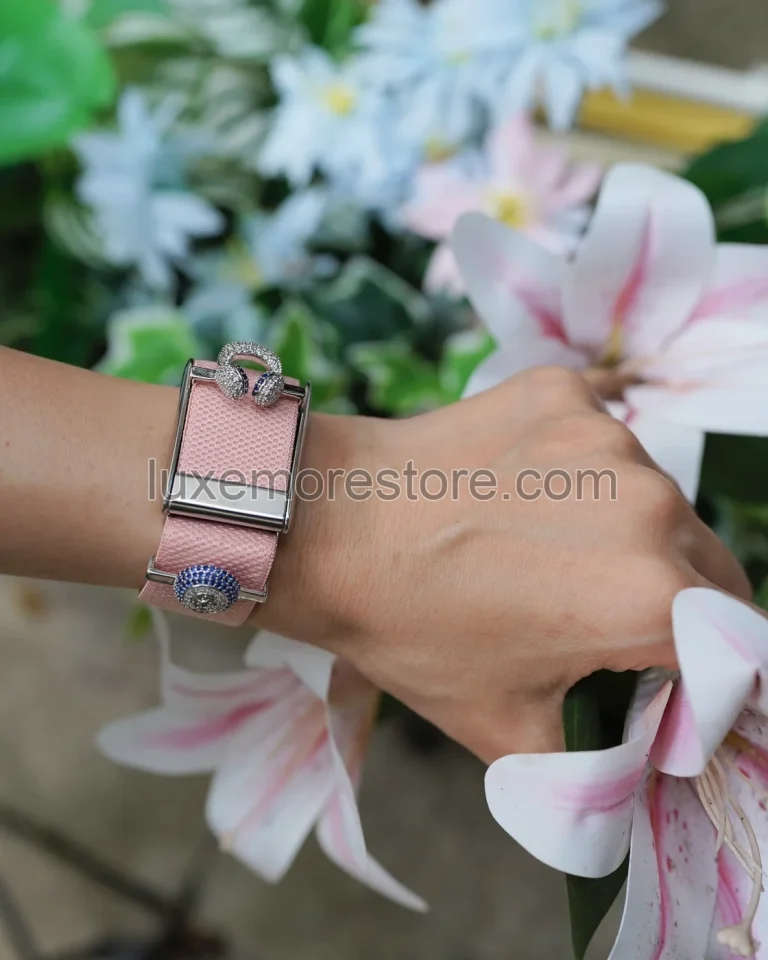
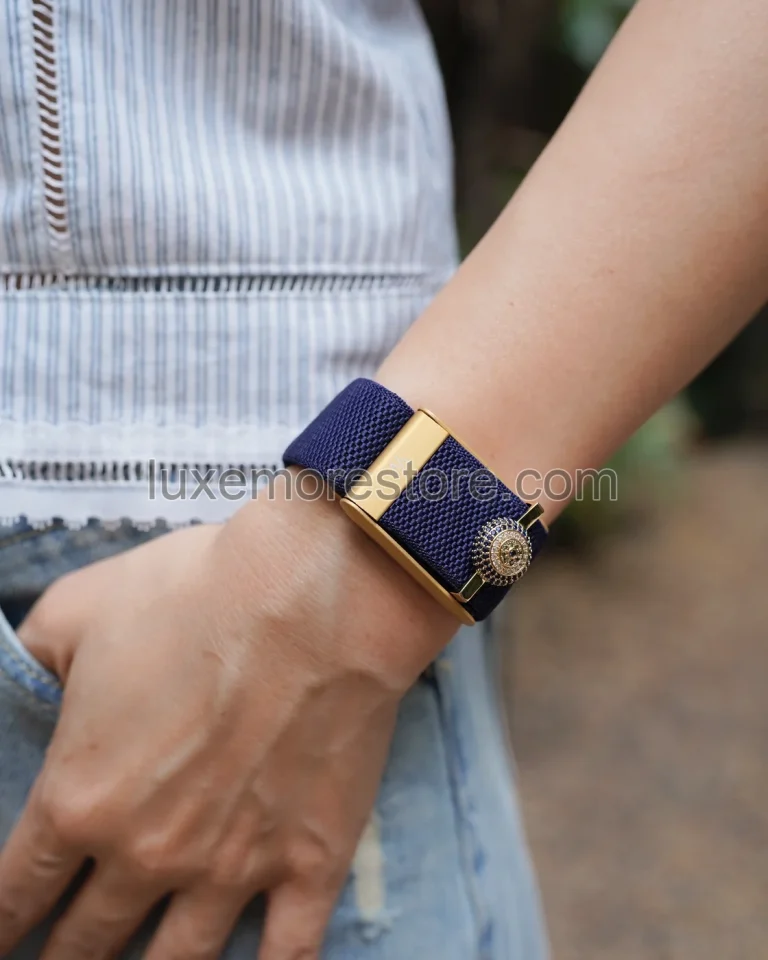
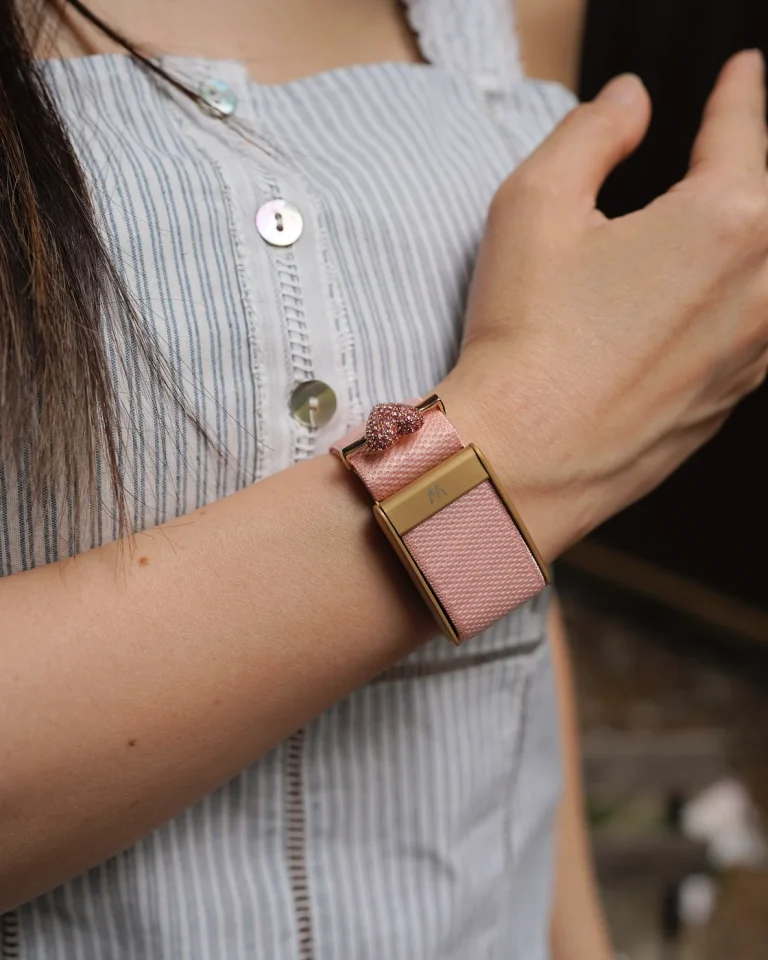
LUXE MORE’s real photographs illustrate wearing context and accessories. They do not show the membership status or account screen of anyone pictured.
LUXE MORE is an independent third-party retailer and is not affiliated with, endorsed by, sponsored by, or an authorized reseller of WHOOP. WHOOP is a trademark of its respective owner.