Measure Where You Will Wear It
Start by finding the sensor position above your wrist bone, towards your elbow—not on the bone or right beside your palm. WHOOP recommends keeping the device against your skin and in place as you move, so measure at this wearing position rather than the narrowest part of your wrist. [1][2]
Wrap a flexible tape around your arm so that it touches the skin without pressing into it or hanging loose. Write down the measurement in centimetres without adding extra room. If you measure again, check that the tape is in the same position and is not tilted.
If you do not have a measuring tape, use a strip of paper or non-stretch ribbon. Wrap it around the position where you will wear the band, mark where the ends overlap, then lay it flat against a ruler.
Aim for a Secure Fit, Not the Tightest Fit
There are two fit checks to make together: how securely the band sits, and whether the sensor stays against your skin. A clasp that closes while the device still slides around your arm is not the fit you are looking for.
Once you have the band, adjust it according to the instructions for that style. The aim is contact with your skin without painful pressure. WHOOP says the band should feel snug but not too tight. If the device slides on your wrist or you can see the green sensor light while wearing it, it is still too loose. [1][2]
Rotate your wrist, make a fist, and move your arm gently, then check whether the device stays in place. If you can easily slide a finger under the sensor, check the fit again—but do not force the band so tight that moving your hand becomes uncomfortable. For placement and fit, see how to wear WHOOP for accurate data.
If the strap slips back or the clasp will not stay closed after adjustment, do not assume that your wrist is too small. Check the threading and clasp using the WHOOP loose-band and clasp troubleshooting guide.
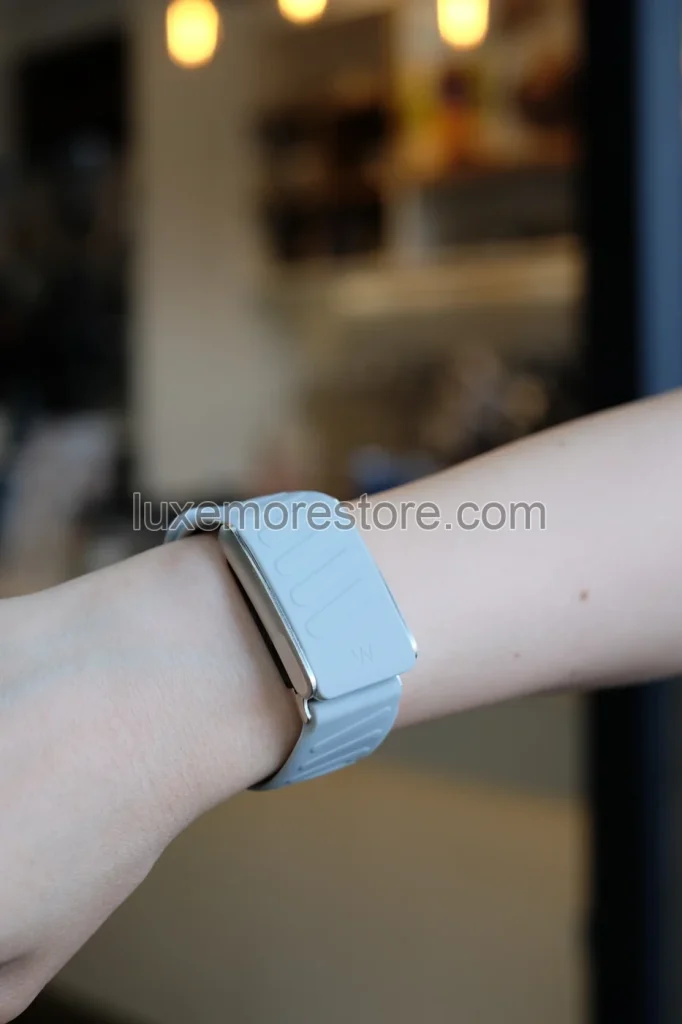
Match the Device Before Choosing a Colour
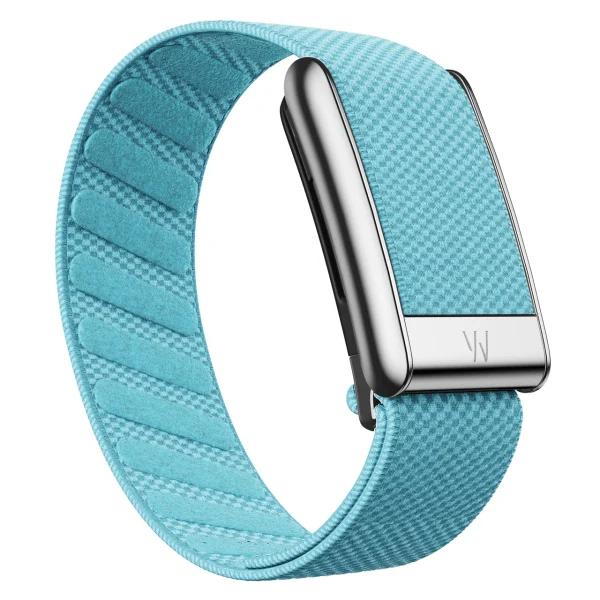
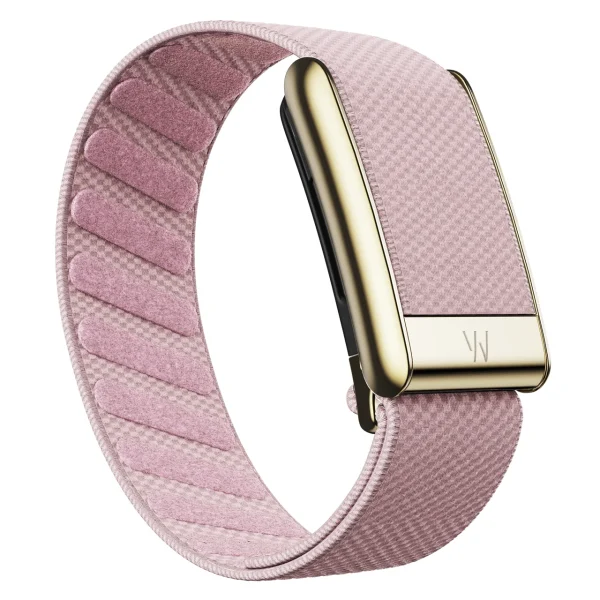
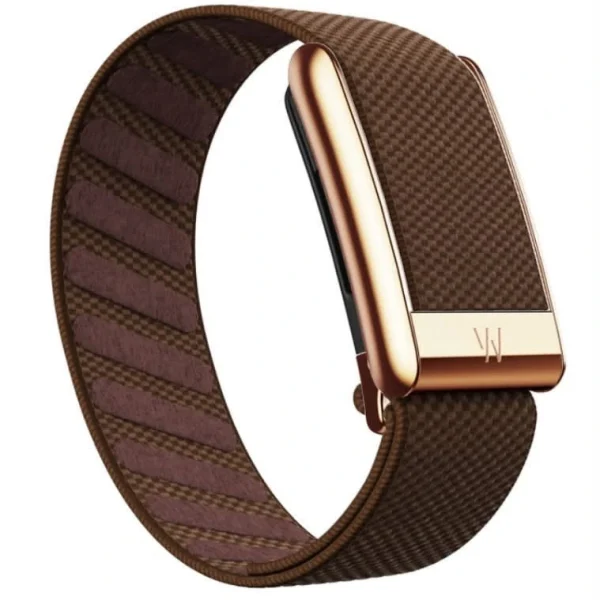
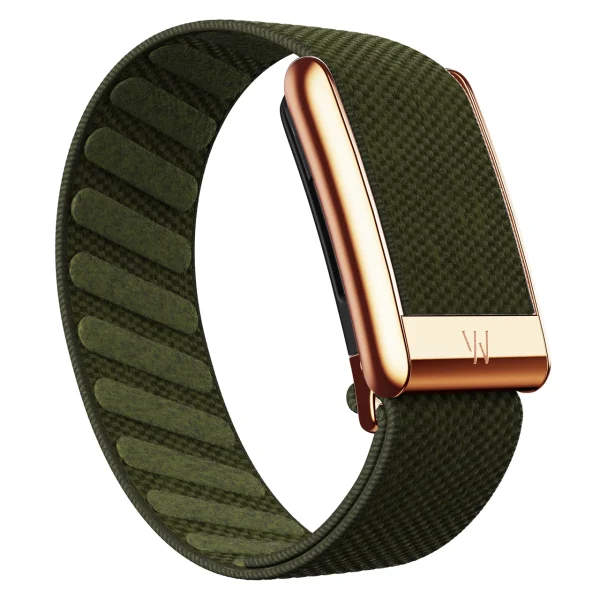
The store sells third-party replacement bands. They are not made or endorsed by WHOOP, and the band does not include the device. Check each style against the store product listing rather than substituting the specifications of WHOOP-branded bands. [3]
The store’s SuperKnit Luxe supports WHOOP 5.0 only, not WHOOP MG.
The store’s SportFlex supports WHOOP 5.0 and WHOOP MG. Its clasp has ECG contact points for MG, and it does not take charms.
Neither style supports WHOOP 4.0. If you are unsure which model you have, start with the LUXE MORE WHOOP 5.0 band guide. For the differences between the two styles, read SuperKnit Luxe vs SportFlex.
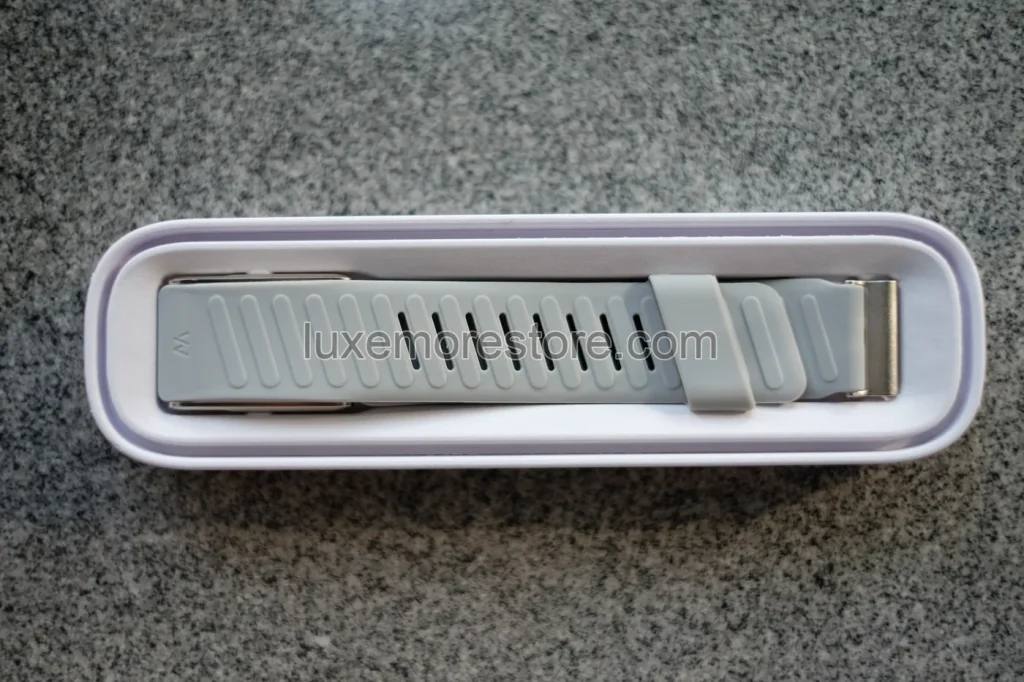
What to Send the Store Before Ordering
If your wrist is very small or you are concerned about the strap tail, send your measurement and the band you are considering to the store before ordering. This lets us check fit and device compatibility together. Include these four details:
- The WHOOP device model you use
- Your wrist measurement in centimetres, taken where the sensor will sit
- The band name or a screenshot of the product listing you are considering
- A photograph of where you measured, if you would like help checking the tape position
A photograph of your wrist and measuring tape is enough; there is no need to send app screens or health information. Do not cut the strap, add holes, or bend the clasp to make it fit. If you are choosing between two styles, browse the store’s bands and send us the one you like.
Quick Questions Before Buying
Can I Wear a LUXE MORE Band on a Small Wrist?
Yes. The store’s bands can be adjusted for small wrists. If your wrist is very small or you are concerned about the strap tail, send your wrist measurement, device model, and the band name to the store before ordering.
Should I Add Extra Room to My Wrist Measurement?
No. Send the measurement taken with the tape against your skin at the actual wearing position, so the store can work from the same information.
Does Being Able to Fit a Finger Under the Sensor Mean It Is Loose?
If a finger slides under easily or the device moves when you move your arm, check the fit again. WHOOP recommends keeping the sensor against your skin and stable during use, not tightening the band until it hurts.
Can I Use the Store’s SuperKnit Luxe With WHOOP MG?
No. The store’s current SuperKnit Luxe supports WHOOP 5.0 only. For MG, choose the store’s SportFlex and check the model name on the product listing again.
Sources
- WHOOP — Your guide to WHOOP bands & accessoriesManufacturer fit guidance, not the size or material specifications of the store’s bands
- WHOOP — Best pulse points besides the wrist for heart ratePlacement above the wrist bone and keeping the sensor against the skin
- LUXE MORE — Store BandsDevice compatibility and use conditions for the bands sold by the store
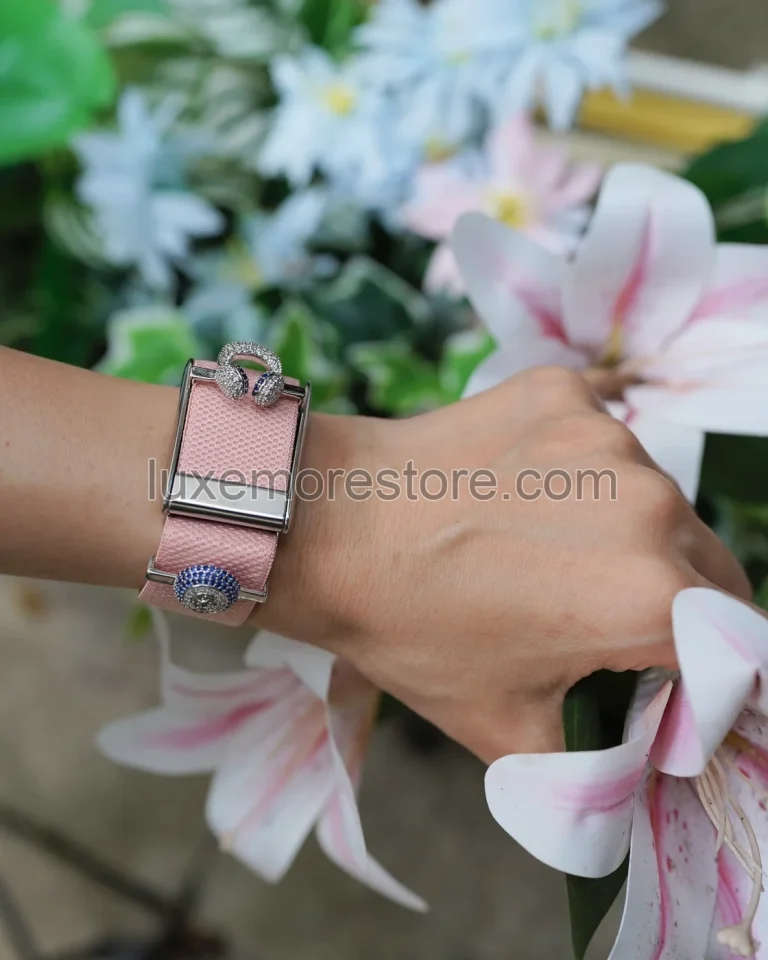
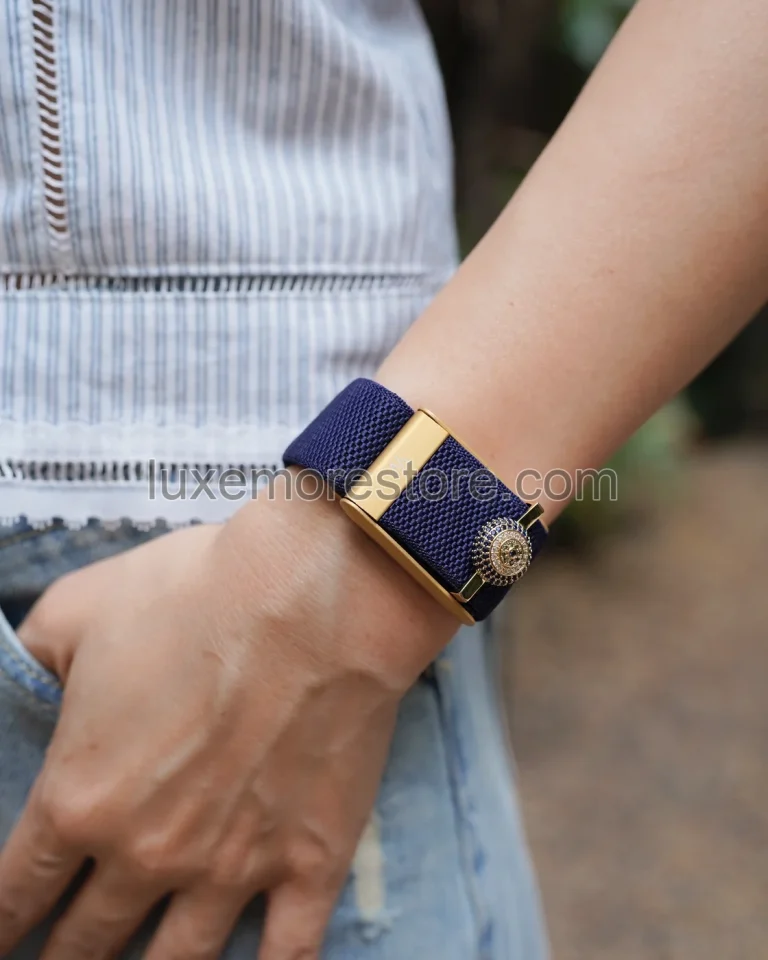
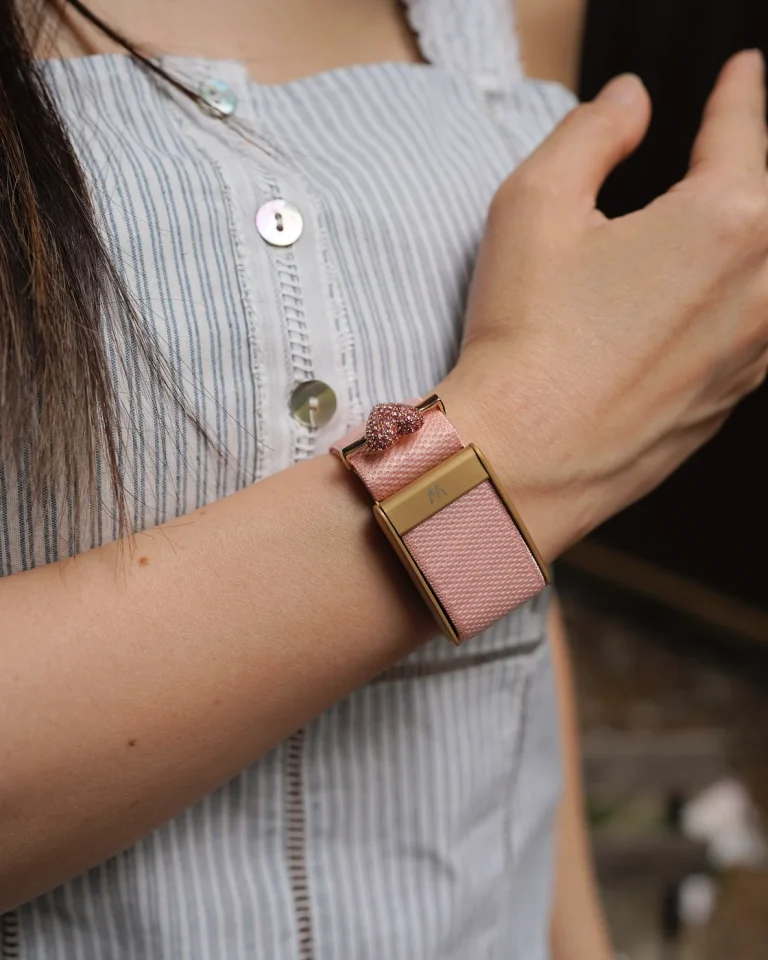
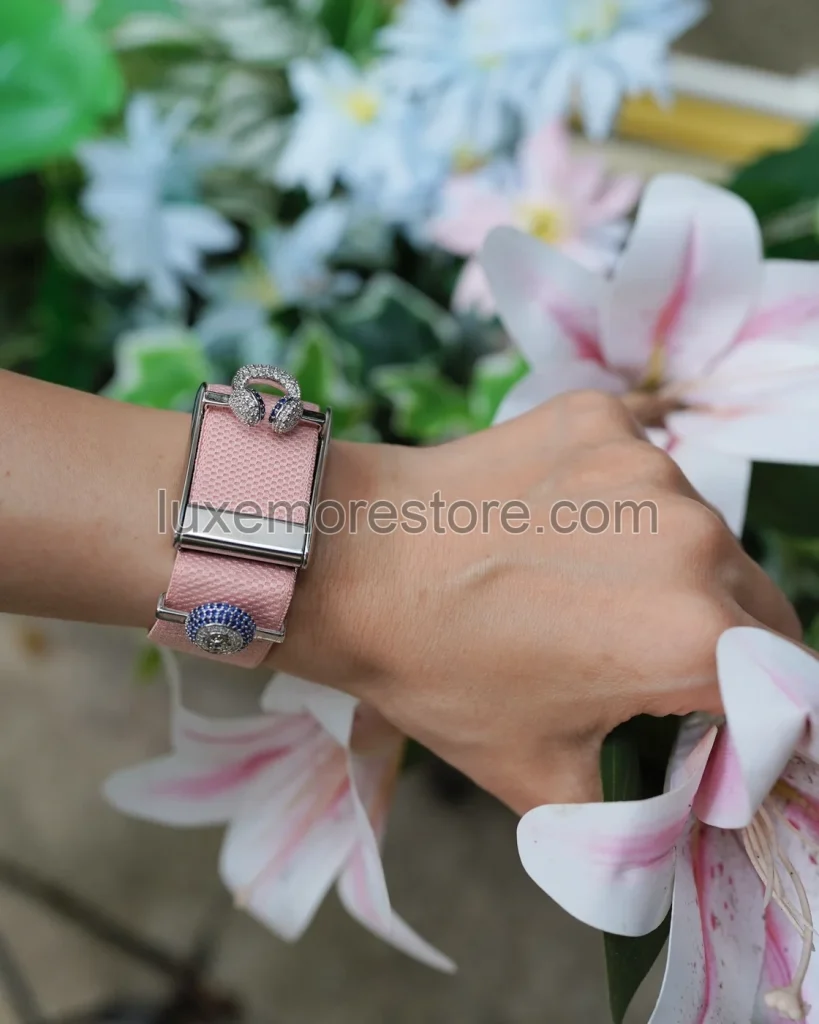
LUXE MORE photographs show the products and real wearing examples without recording the photographed wrist measurements. The diagram explains measurement; it is not a band-size test photograph.
LUXE MORE is an independent third-party retailer and is not affiliated with, endorsed by, sponsored by, or an authorized reseller of WHOOP. WHOOP is a trademark of its respective owner.