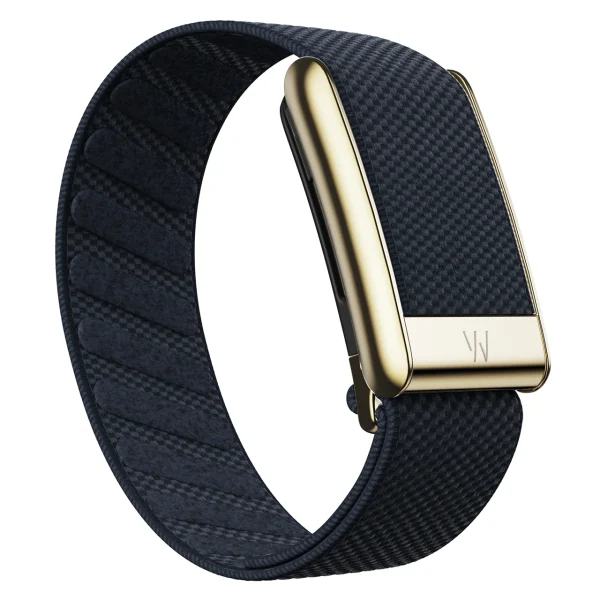
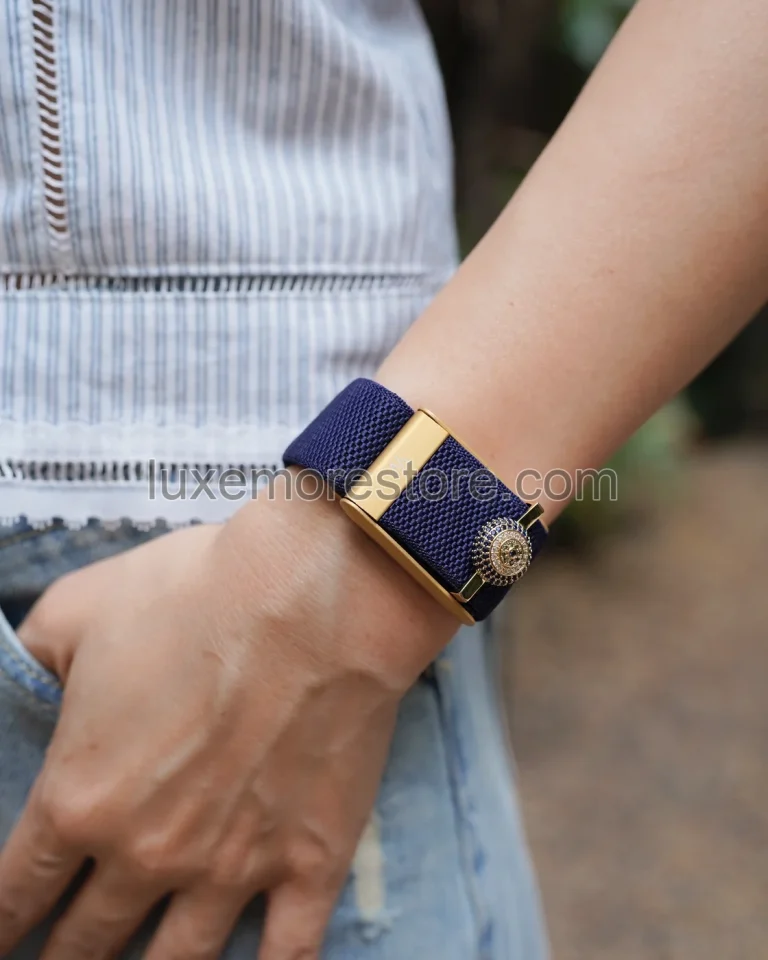
If WHOOP shows one VO₂ Max value while Apple Watch or Garmin shows another, do not immediately trust the device with the highest number. First check whether the values come from the same date and the same type of data.
WHOOP estimates VO₂ Max with a model; it does not directly measure oxygen use at the wrist. The company’s internal validation can show average error, but it does not guarantee that every person’s estimate will differ from a lab result by the same amount.[1][2]
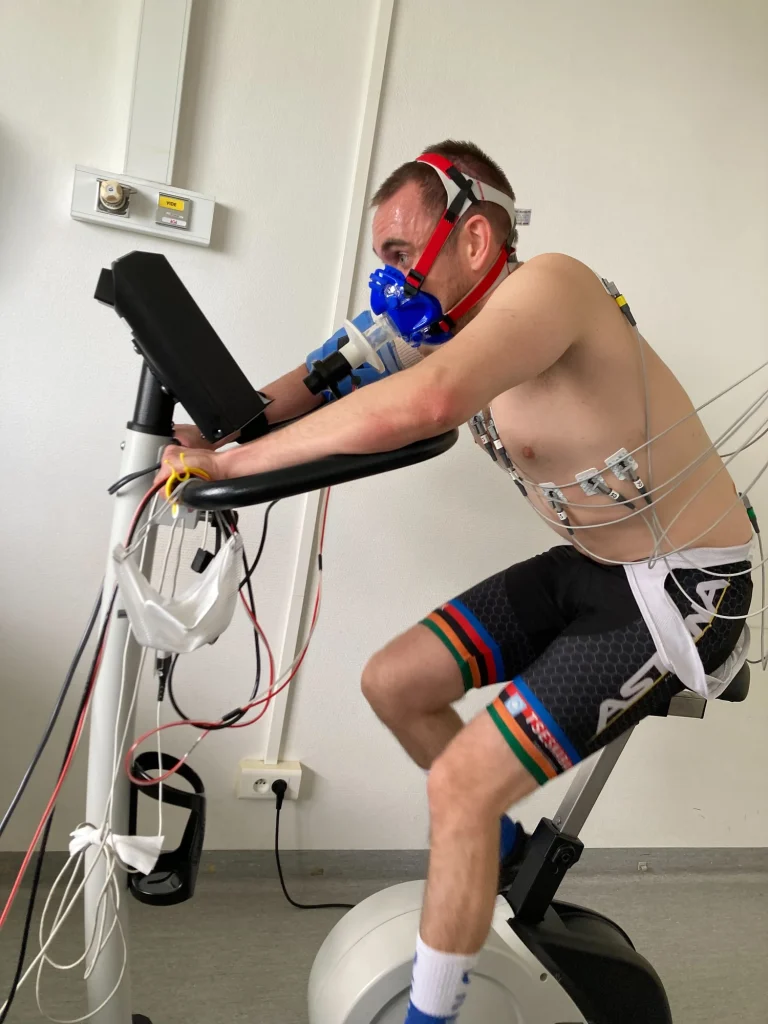
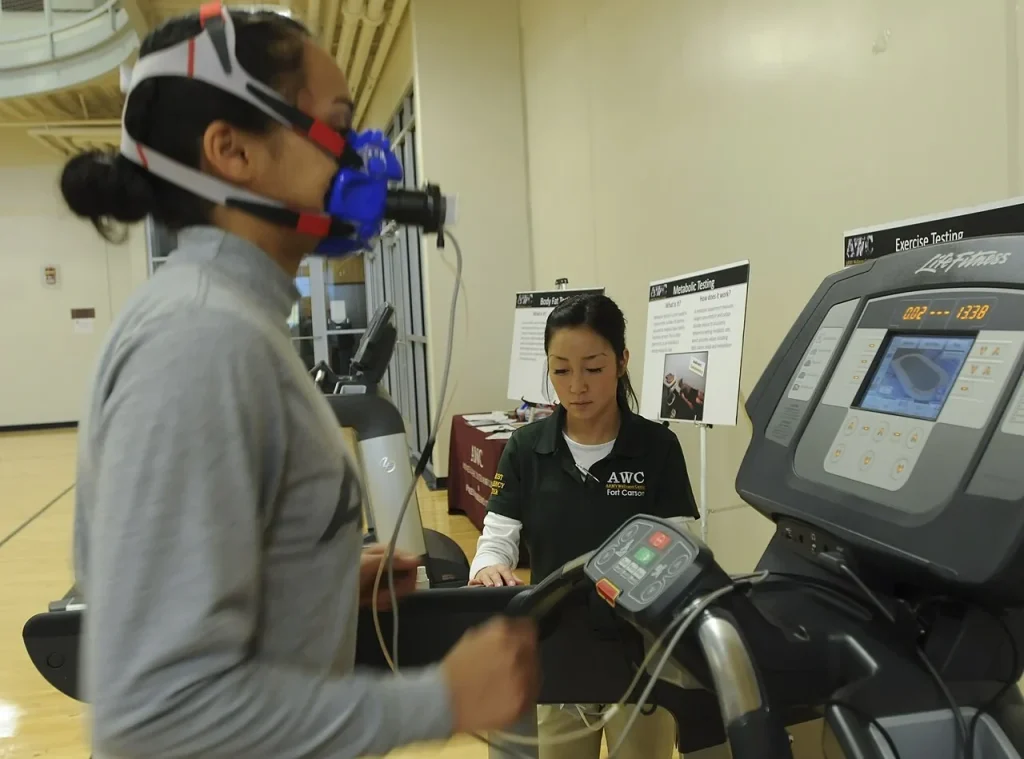
This article compares how each system works and the evidence behind it. It is not a review in which the store tested all three devices on the same person. The photographs provide context for testing and devices only; they are not health data from the store owner or customers.
The same number, estimated in different ways
VO₂ Max is the maximum rate at which the body can use oxygen during intense exercise. Apps usually report it in mL/kg/min, or milliliters of oxygen per kilogram of body weight per minute. The value is therefore normalized to body weight, not the total volume of oxygen used in one minute.[1][3]
In a mask-and-gas-analyzer test, exercise intensity increases while actual gas exchange is measured. Wearables instead use data such as heart rate, speed, movement, and body information to estimate a value associated with that fitness measure.[1][3][4]
These are not the same method even when the apps display the same unit. VO₂ Max also does not measure every aspect of health or predict race performance by itself.[2]
Agreement between two devices is not proof of accuracy. The estimates must also be compared with an appropriate reference method.
What does WHOOP use if you do not run every day?
WHOOP describes three estimation levels based on available data: routinely collected data, outdoor running data with GPS when available, and a laboratory result as a reference point if one has been entered. Outdoor running is therefore not required for a baseline estimate.[1][2]
Normal wear: sleep, activity, and body data
The baseline or Passive model uses resting and sleep physiology, the volume and intensity of activity, sleep behavior, and details such as age, height, weight, and biological sex. It does not look only at how fast you ran today.[1]
WHOOP guidance checked on October 20, 2026 lists this feature for 5.0 and MG devices and requires at least 14 nights of sleep data within 21 days. The algorithm article says 14 Recoveries in 21 days. Check the data status in the app rather than assuming the value must appear after 14 calendar days of wear.[1][2]
WHOOP says the estimate was validated for members aged 18 and over. It may be less accurate for people under 18, and estimation during pregnancy has not been validated. These are limits stated by WHOOP, not confirmation from an independent body.[2]
VO₂ Max updates weekly; opening the app does not produce a new test. Seeing the same value after one workout is not evidence that the device failed to record change.[2]
With GPS: add running speed and heart rate
If an outdoor GPS run was recorded within the past 90 days, WHOOP can add running speed and heart-rate response to the model. It recommends running for at least 15 minutes with Track Route enabled in the WHOOP app, but does not make this a requirement for unlocking the baseline estimate.[1][2]
A run appearing in another app does not prove WHOOP used its route. Current guidance says external GPS data from services such as Strava or Apple Health is not yet used to calculate VO₂ Max, and elevation and running conditions are not included in the estimate.[2]
With a lab result: use it as a reference, not a preferred number
If you have completed a laboratory VO₂ Max test with gas analysis, WHOOP lets you enter the result as a reference point and then update the estimate with later data. A value from another watch or a self-calculated running formula should not be described as a lab result.[1][2]
What does an average error of 3.3–3.7 mean?
A WHOOP report dated April 22, 2026 describes results from 248 participants. Each completed an incremental treadmill test to maximal capacity while gas exchange was measured with a ParvoMedics TrueOne 2400. The company used the data to develop and evaluate its model through internal cross-validation.[1]
The key figure is MAE, or mean absolute error: the distance between an estimate and the reference value, counted as positive whether the estimate is high or low. WHOOP reported the following results.[1]
Internal results reported by WHOOP, not testing conducted by the store.[1]
| WHOOP model | MAE in mL/kg/min | MAPE, or mean absolute percentage error |
|---|---|---|
| Baseline from routine data | 3.7 | 8.0% |
| With GPS running data | 3.3 | 7.1% |
An MAE of 3.3 does not mean every person’s error is within ±3.3, and a MAPE of 7.1% is not an individual error ceiling. The averages summarize the test set, while individual errors may be larger or smaller.[1]
This is manufacturer-reported evidence, not testing independent of the company, and it does not publish the full range of individual agreement. It shows how WHOOP tested the model, but it is not enough to guarantee that every wrist estimate matches a lab result.[1]
If someone says WHOOP is never more than 7.1% wrong, ask whether they mean the test set’s average error or a limit for each individual.
Apple Watch and Garmin do not start with the same data
Using the name VO₂ Max does not mean the values were generated under the same conditions. If WHOOP is still showing its weekly result while Garmin has just received a new run, the comparison may involve different time windows.[2][8]
Summary of current documented methods, not an accuracy ranking.[1][2][3][4][8]
| What to check | WHOOP | Apple Watch | Garmin |
|---|---|---|---|
| Core insights | Rest, sleep, activity, and body data; GPS running data can be added | Heart rate and movement during qualifying outdoor activities | Depends on the model and activity profile. Runs or walks must be recorded outdoors with GPS or Connected GPS and heart rate; cycling requires a power meter on supported models. |
| Is running always required first? | Not for the baseline estimate | Uses Outdoor Walk, Outdoor Run, or Hiking | Check the model and mode; some models can use walking or other sports |
| When a new value appears | Weekly | When qualifying data is available; not every activity creates an estimate | Depends on the activity, data source, and model requirements |
| Before comparing devices | Check whether GPS data or a lab result is being used as a reference | Check the activity, health data, and most recent displayed value | Separate running and cycling estimates, and check which activity produced the update |
Apple Watch: not every workout produces a new value
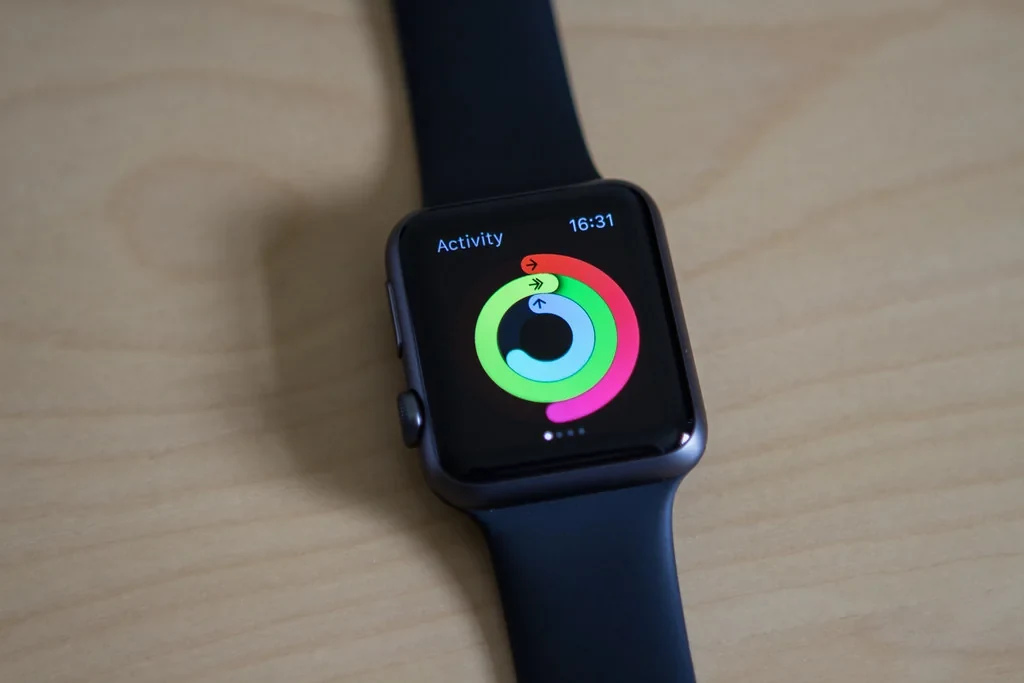
Apple says Series 3 or later estimates Cardio Fitness from Outdoor Walk, Outdoor Run, and Hiking workouts in the Workout app. Indoor activities do not generate this estimate. During setup, the watch may need to be worn for at least 24 hours and several qualifying activities may be required, along with data from other periods.[3]
Apple also uses age, sex, weight, height, and medications that may affect heart rate. If those details are inaccurate, comparing the number with another system without checking the conditions makes accuracy even harder to assess.[3]
Garmin: specify the model and the sport
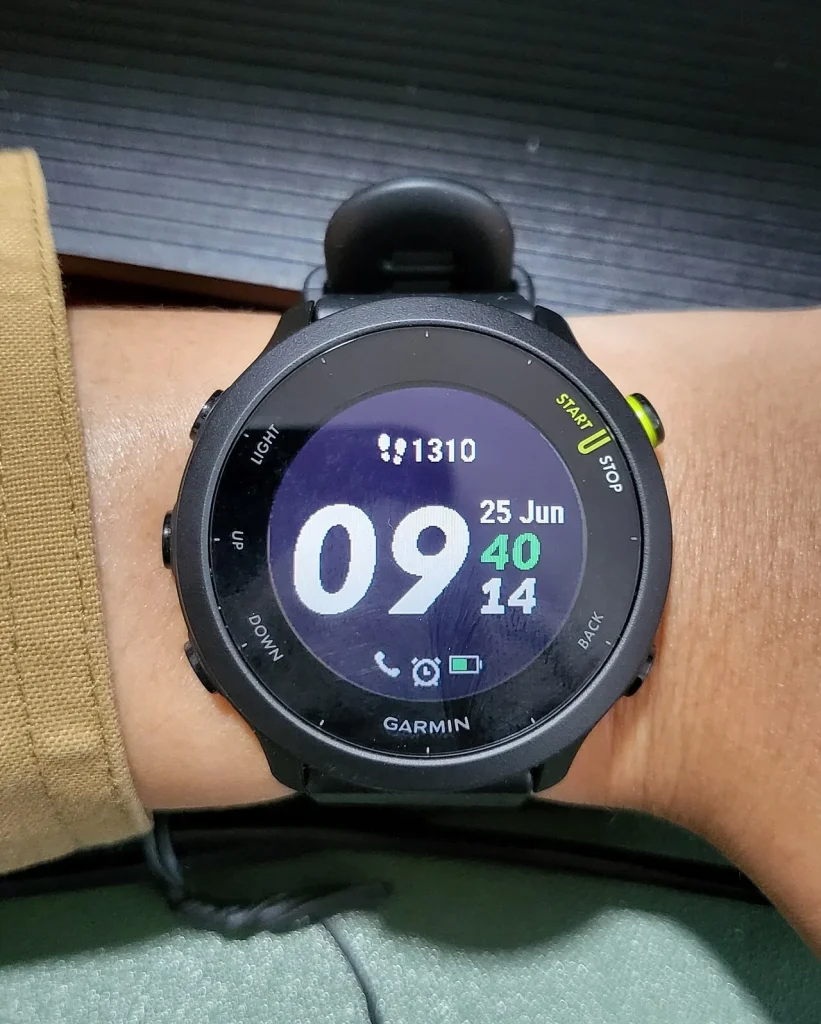
Garmin requirements depend on the supported model, activity profile, heart-rate data, and conditions for that activity. Running and cycling use different requirements. For example, cycling estimates require a supported device and power-meter data; GPS alone does not make every watch eligible.[4]
Current guidance recommends maintaining about 70% of maximum heart rate or higher during the relevant activity. Check the exact model and sport requirements first, and do not treat this figure as an instruction to exercise beyond your readiness.[4]
Garmin also prioritizes data sources over a 30-day period; for example, a GPS run may take priority over walking data. A value that does not change after a walk is not enough to conclude that the system is broken.[8]
A 2017 Firstbeat paper describes an estimation method using heart rate and speed. It reflects the published method at that time and cannot confirm that every Garmin model or 2026 firmware uses all the same algorithm details.[13]
Results from different studies cannot be turned into a ranking
A table that places WHOOP’s MAE beside Apple or Garmin figures from another study may look simple, but it skips essential questions: who was studied, which device and software were used, and what reference method was applied.[1][5][6][7]
For example, an independent Apple Watch Series 10 and watchOS 11 study analyzed 35 participants, while a Garmin Forerunner 245 study of endurance athletes also included 35 participants. Equal sample sizes do not make the studies equivalent or allow either result to represent every model from a brand.[6][7]
Apple’s 2021 document is manufacturer documentation, not a test of all current Apple Watch models. Its reference value extrapolated submaximal test data to an age-predicted maximum heart rate, so it should not be treated as the same reference method as WHOOP’s maximal test set.[1][5]
The evidence discussed here is not enough to declare a winner from scores in separate tables. A more honest comparison examines methods, requirements, and the limits of each evidence set.
Different values may begin with the data you entered
Before blaming the sensor, check the update date, weight, height, age, and maximum-heart-rate settings in each system. If the inputs differ, the estimates can differ too.[1][2][3][4]
Body weight is part of the unit itself. Suppose maximum oxygen use stays at 3 liters per minute. Dividing by 70 kilograms gives about 42.9 mL/kg/min, while dividing by 75 kilograms gives 40 mL/kg/min. This example explains the unit; it is not a store experiment or advice to change weight.[1][3]
Exercise conditions matter as well. WHOOP says its VO₂ Max estimate does not yet account for elevation or running conditions. Garmin adjusts for heat and altitude on supported devices, subject to model and data requirements. Do not assume every device compensates for the environment in the same way.[2][9]
Poor heart-rate or GPS signals can change the data supplied to the model. If you take medication that affects heart rate, record health information as supported by the system; do not change or stop medication to improve a watch number.[2][3][4]
When changing brands, read the new device’s trend separately from the old one. Do not connect the lines immediately and conclude that fitness jumped on the day you changed devices, because even reference measurements can vary across methods or days.[6][7][11]
Labels such as High, Good, or Superior also require context
A VO₂ Max number and its category label are different layers of information. Apple assigns levels by age and sex for people aged 20 and over, while WHOOP uses age- and biological-sex-specific ranges. Read the criteria in that app rather than substituting another system’s color or praise.[2][3]
Low and High in Apple’s documentation are examples of classification. They are not before-and-after training evidence from the same person, and they do not show that wearing a watch or changing a band raises the value.
Compare usefully before deciding which number to trust
Choose one primary data source, verify body and activity details, check the date of the latest value, and follow several weeks under similar conditions instead of subtracting two devices’ values after a single reading.[1][2][3][4]
If you use WHOOP, check whether enough sleep data has been collected. For a run you want included, confirm that Track Route was enabled in WHOOP. For Apple Watch, check supported outdoor activities and Apple’s calibration guidance, but remember that distance calibration is not a laboratory oxygen test.[2][3][10]
For comparison with a lab result, record the test date, activity type such as treadmill or cycling, and testing method. A standard reference measurement collected in a matching context answers more than asking which brand shows the higher number.[1][5][11]
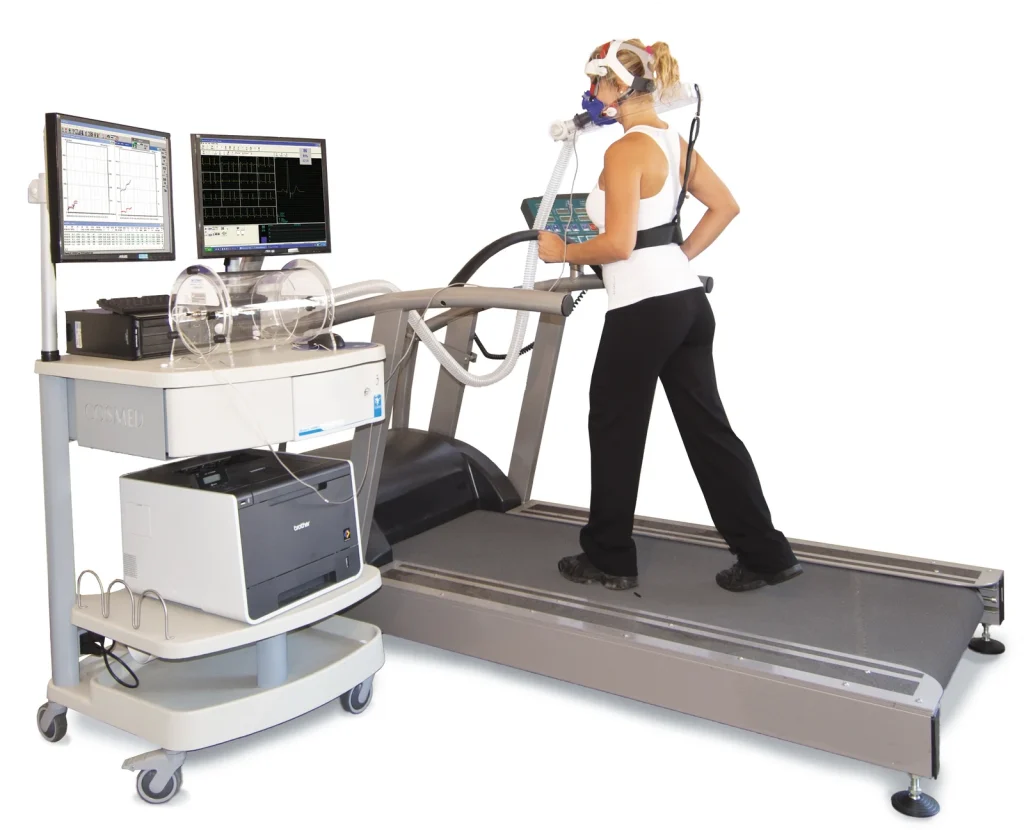
General safety note: there is no need to complete a maximal test merely to make two apps agree. ATS/ACCP guidance says exercise-testing facilities should have trained personnel, monitoring equipment, and emergency readiness. A watch VO₂ Max estimate cannot replace clinical assessment.[14]
Band fit is not a formula for raising VO₂ Max
WHOOP recommends snug skin contact and the recommended placement. This affects data collection, but it does not mean a new band will immediately raise the value or make it match a lab result.[2]
The image below shows the Midnight band and clasp color from the LUXE MORE gallery. It is not a VO₂ Max test result. The product is a third-party accessory; check device compatibility before ordering. The store does not claim that its band improves estimate accuracy.[12]
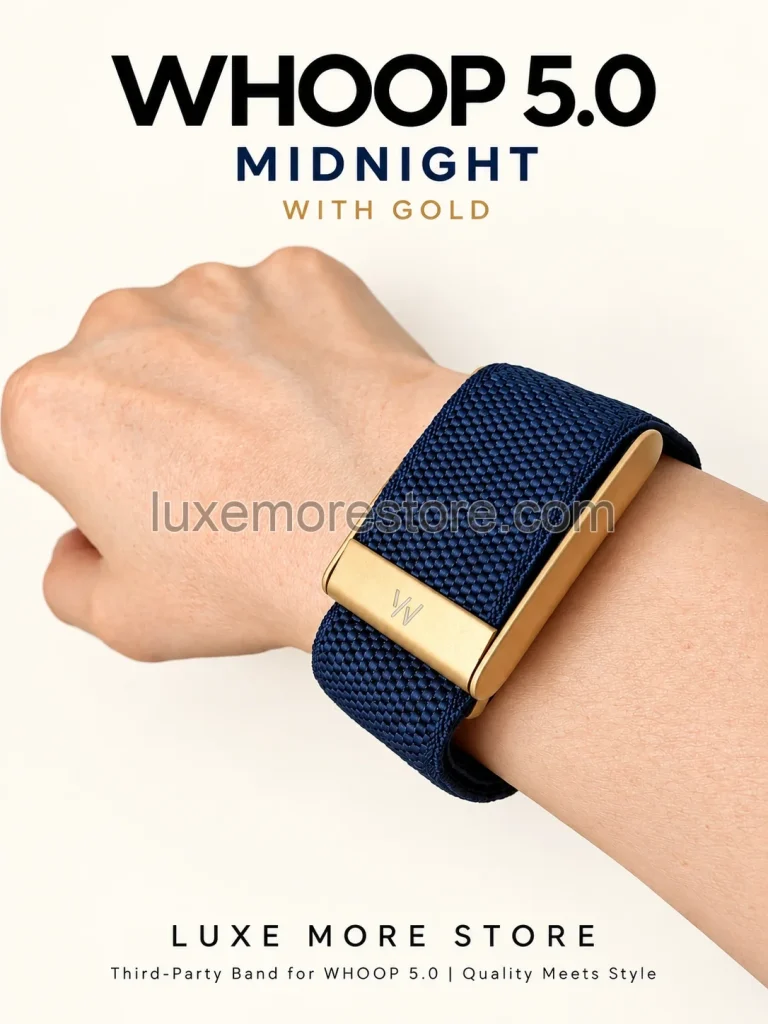
LUXE MORE is an independent third-party retailer and is not affiliated with, endorsed by, sponsored by, or an authorized reseller of WHOOP. WHOOP is a trademark of its respective owner.
The next time two devices disagree, first ask what data produced each value—not which device shows the number you wanted to see.
Common questions
Does WHOOP VO₂ Max require a GPS run before it appears?
Not for the baseline model. Current guidance requires at least 14 nights of sleep data within 21 days. A GPS run of at least 15 minutes adds data but is not the condition for unlocking the baseline estimate.[1][2]
Does WHOOP’s MAE of 3.3 mean the error is never more than ±3.3?
No. MAE is the mean absolute error in the company’s test set, not the maximum error or a guaranteed range for each individual.[1]
Why did an indoor gym workout not create a new Apple Watch value?
Apple says Cardio Fitness estimates use qualifying Outdoor Walk, Outdoor Run, and Hiking workouts. Indoor activities do not generate this estimate, and several qualifying activities may be needed during setup.[3]
Can I enter an Apple Watch or Garmin value as a lab result in WHOOP?
An estimate from another device should not be called a lab result. WHOOP recommends entering a laboratory assessment, and the method described for its model uses gas analysis as the reference.[1][2]
If WHOOP is lower than another device, has my fitness declined?
A single cross-device comparison cannot establish that. Check the data window, update date, body details, activities, and estimation method for each system. Follow the trend within one system instead of joining values from different devices into one series.[1][2][3][4]
Read next
- Understand WHOOP Age and Pace of Aging
- Your first 7 days with WHOOP
- How to wear WHOOP with the right fit and position
- How WHOOP 5.0 and Apple Watch differ
Sources and images
Information checked on October 20, 2026
- WHOOP: How Accurate Is WHOOP VO₂ Max? Inside the Algorithm and Its ValidationManufacturer report dated April 22, 2026 covering 248 participants, internal testing methods, and MAE/MAPE; not an independent external validation.
- WHOOP Support: VO2 MaxGuidance updated October 6, 2026, checked from fully loaded content in Chrome; covers supported devices, sleep data, GPS, updates, and limitations.
- Apple Support: Track your cardio fitness levelsGuidance dated September 14, 2026 explaining qualifying activities, health data, and Cardio Fitness categories.
- Garmin Support: Garmin VO2 Max RequirementsCurrent requirements vary by model and activity profile; they are not one rule for every Garmin watch.
- Apple: Using Apple Watch to Estimate Cardio Fitness with VO₂ max (2021)Manufacturer documentation from the Series 4 and watchOS 7 era uses a reference method extrapolated to age-predicted maximum heart rate; it should not stand in for every current device and software version.
- Independent study: validation of Apple Watch Series 10 and watchOS 11 (2026)Analyzed 35 participants in the study’s specific context; not a test of every Apple Watch generation.
- Independent study: Garmin Forerunner 245 in endurance athletes (2025)The device, software, population, and test method are specific to this study and cannot rank the Garmin brand as a whole.
- Garmin Support: Why Is My VO2 Max Not Updating?Explains why the value may not update and how data sources are prioritized over a 30-day period.
- Garmin Support: Heat and Altitude AcclimationHeat and altitude adjustment has specific requirements and is supported only on listed devices.
- Apple Support: Calibrate your Apple Watch for improved Workout and Activity accuracyCalibration of walking, running, and distance data is not a direct laboratory measurement of oxygen use.
- Study: repeatability of VO₂ Max testing and methods for evaluating changeSupports discussion of reference-test limitations and interpretation of small changes; not a device-ranking study.
- LUXE MORE: Midnight SuperKnit Luxe Band with Gold HardwareStore product information and gallery images. The item is a third-party accessory, not evidence of improved VO₂ Max accuracy.
- Firstbeat: Automated Fitness Level (VO₂max) Estimation (2017)Manufacturer documentation describing the use of heart rate and speed in the method published in 2017; it does not confirm that every 2026 model uses all the same algorithm details.
- ATS/ACCP Statement on Cardiopulmonary Exercise TestingClinical statement from the American Thoracic Society and American College of Chest Physicians covering personnel qualifications, monitoring, test-termination criteria, and emergency readiness for CPET.