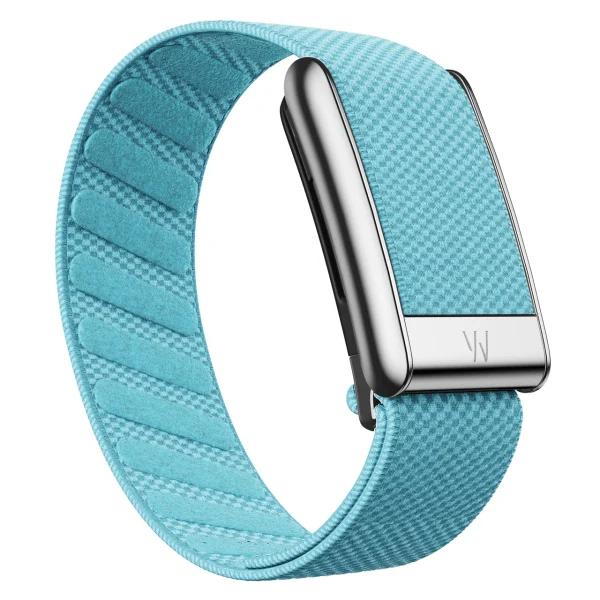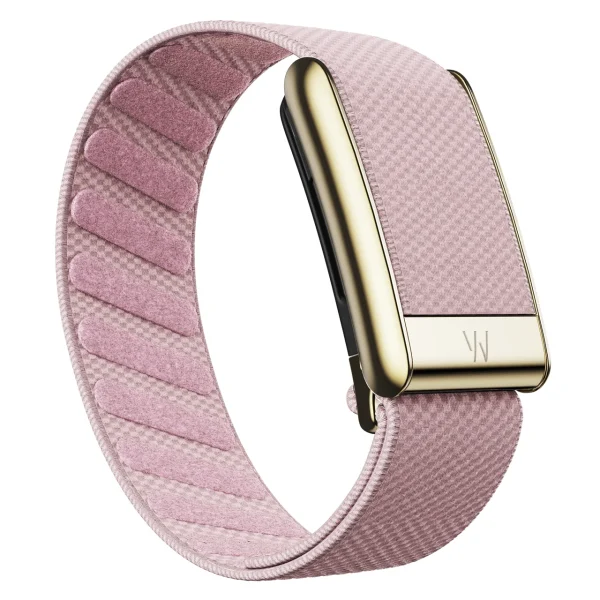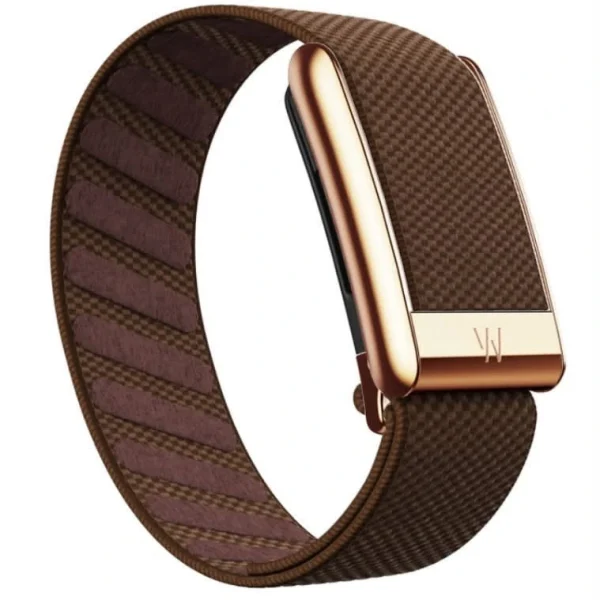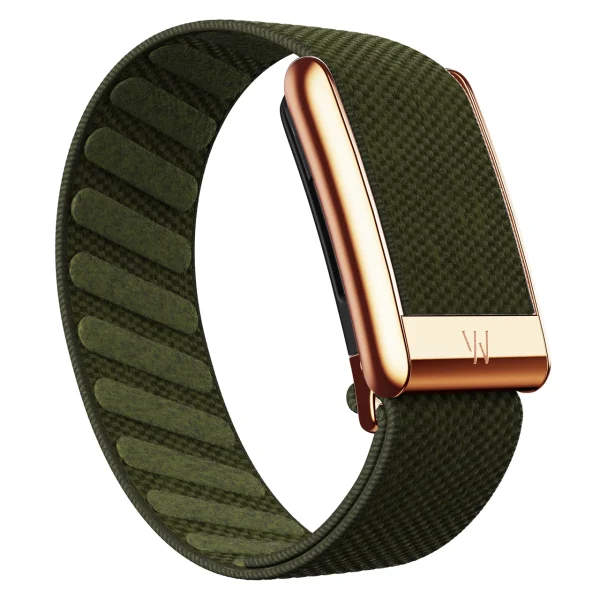
Image: WHOOP · Original source
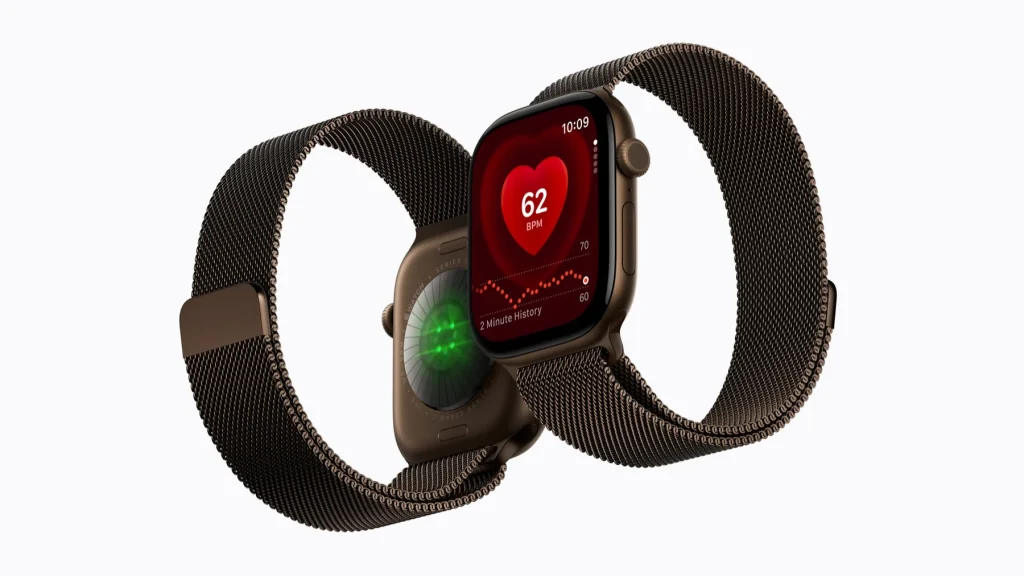
Image: Apple · Original source
If you use an iPhone and want one device for exercise and everyday use, start with Apple Watch Series 12. If you already have a watch you like, want a screen-free device for sleep and accept ongoing membership costs, WHOOP 5.0 is worth considering for that purpose.[1][5]
How everyday use differs
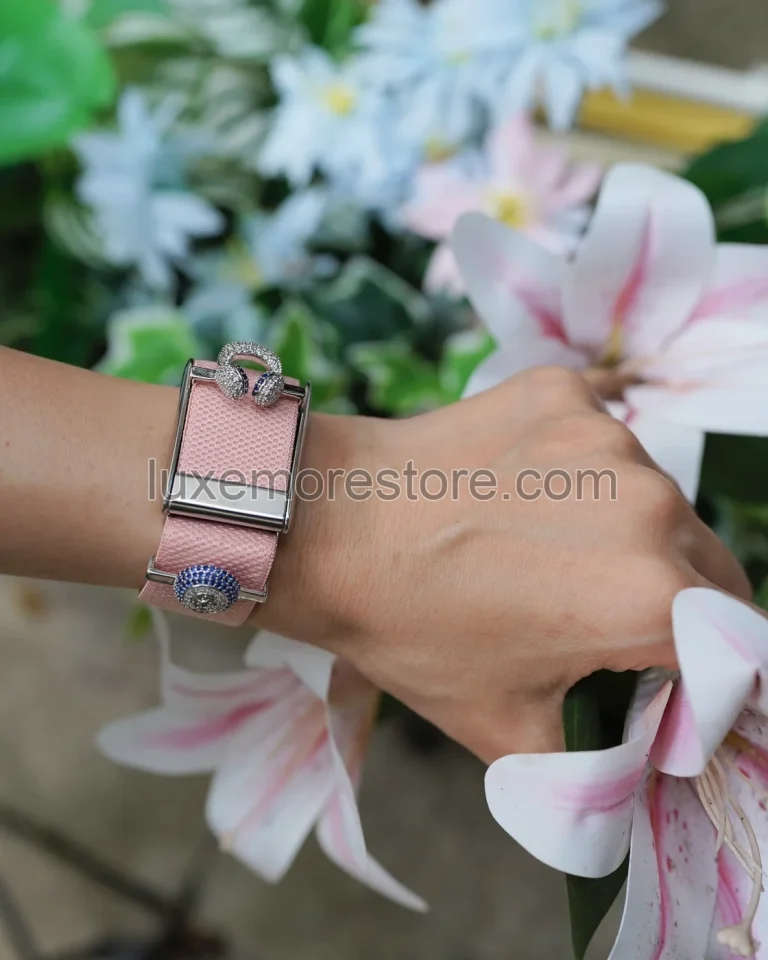
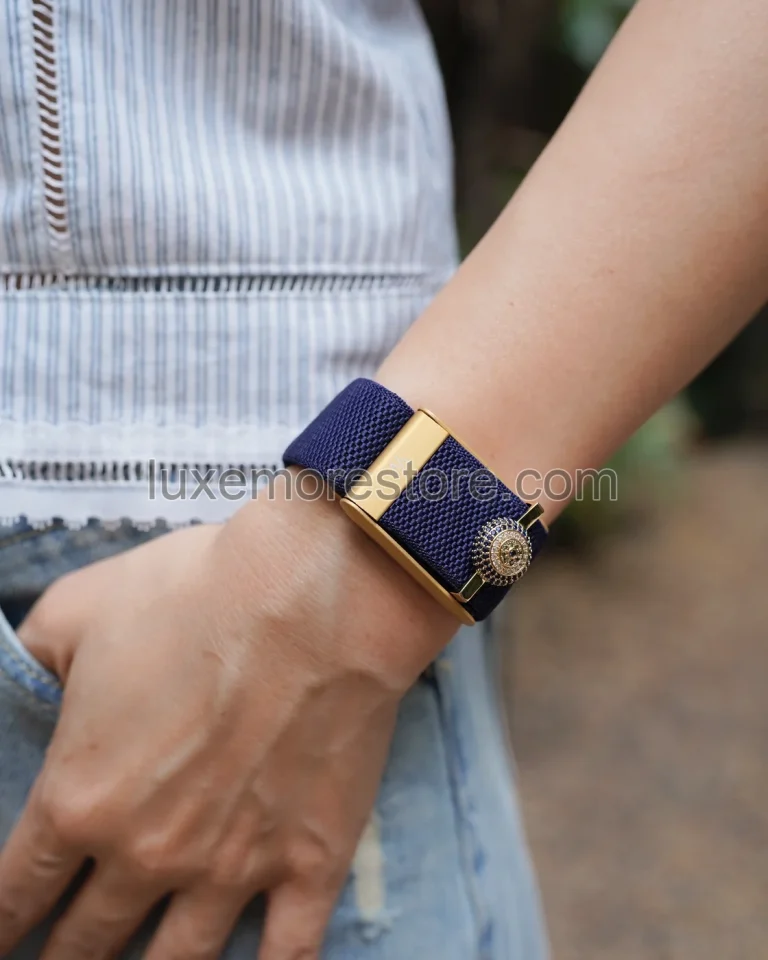
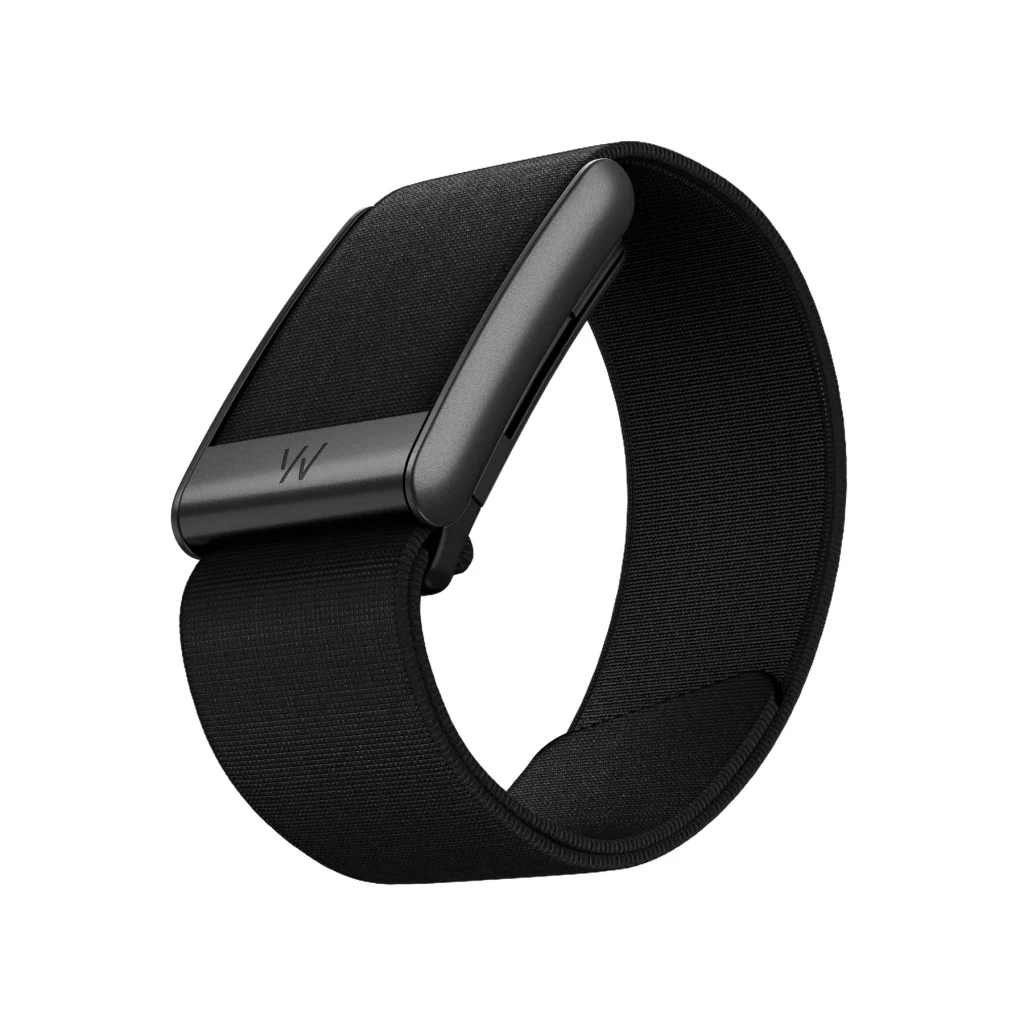
Apple Watch lets you view information on your wrist, receive notifications and use apps. WHOOP has no screen: you open the phone app to see results. If you want to keep wearing a luxury watch or your existing Garmin, WHOOP can serve as a separate device without replacing the watch you like.[1][2][4]
WHOOP supports iOS and Android, but check your phone against the compatibility list before buying: not every Android phone will work smoothly. Series 12 must pair with a supported iPhone, so it is not an option for an Android phone.[1][7]
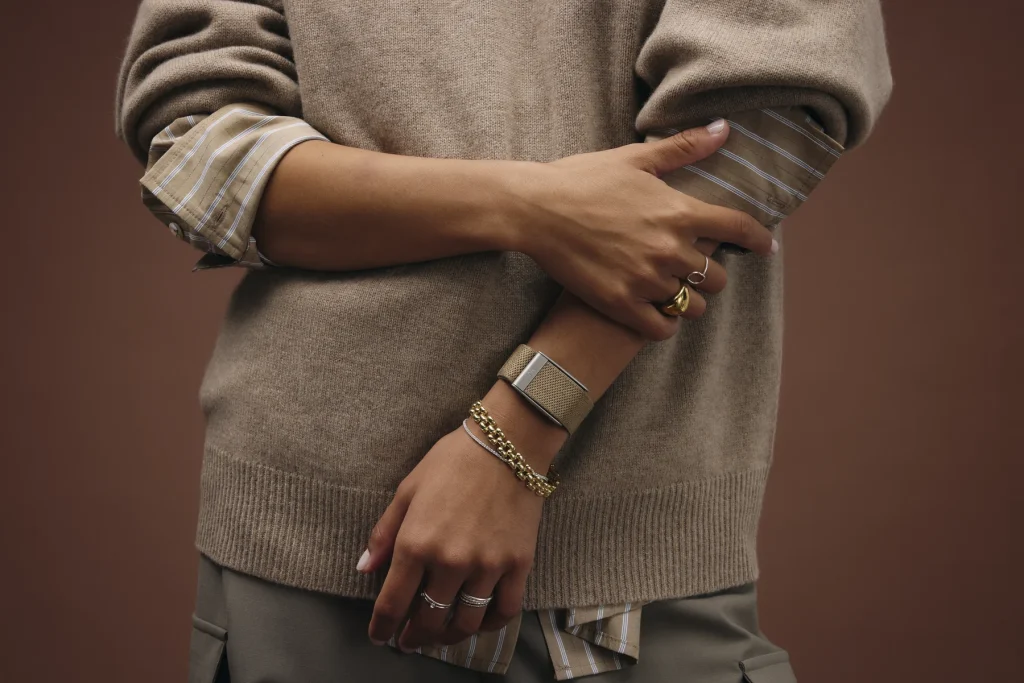
Image: WHOOP · Original source

Image: Apple · Original source
| Everyday consideration | WHOOP 5.0 | Apple Watch Series 12 |
|---|---|---|
| Viewing data | Phone app; no screen | On your wrist and iPhone |
| Phone | Supported iOS / Android devices | Supported iPhone |
| Rated battery life | Approximately 14 days | Up to 24 hours / 38 hours in Low Power Mode |
| Readiness score | Recovery after sleep | Readiness updates during the day |
| Cost | Device and membership bundle, then renewal fees | Buy the watch; core features do not require WHOOP membership |
How often will you charge for overnight wear?
WHOOP 5.0 listings state approximately 14 days of battery life. Apple rates Series 12 for up to 24 hours of normal use or up to 38 hours in Low Power Mode. These are brand or retailer figures; actual endurance depends on settings and activities.[2][4]
If you often forget to charge, this difference matters for wearing a device overnight. WHOOP substantially reduces charging frequency, but does not guarantee complete data every night. With Apple Watch, plan a regular charging window, such as shower time or before bed. Apple says a 15-minute charge adds up to 12 hours of use with the specified charging setup.[1][2]

Image: WHOOP · Original source
Sleep scores mean more than hours
WHOOP recommends Sleep Need based on your usual sleep requirement, activity load, sleep debt and naps. After a hard exercise day, you can use it to consider how much extra sleep time to allow that night.[6]
Current Sleep Performance is no longer just sleep duration divided by sleep need. It also includes consistency, sufficiency, time asleep relative to time in bed and physiological stress during sleep. Apple's Sleep Score provides an overview and factors affecting your sleep.[2][6]
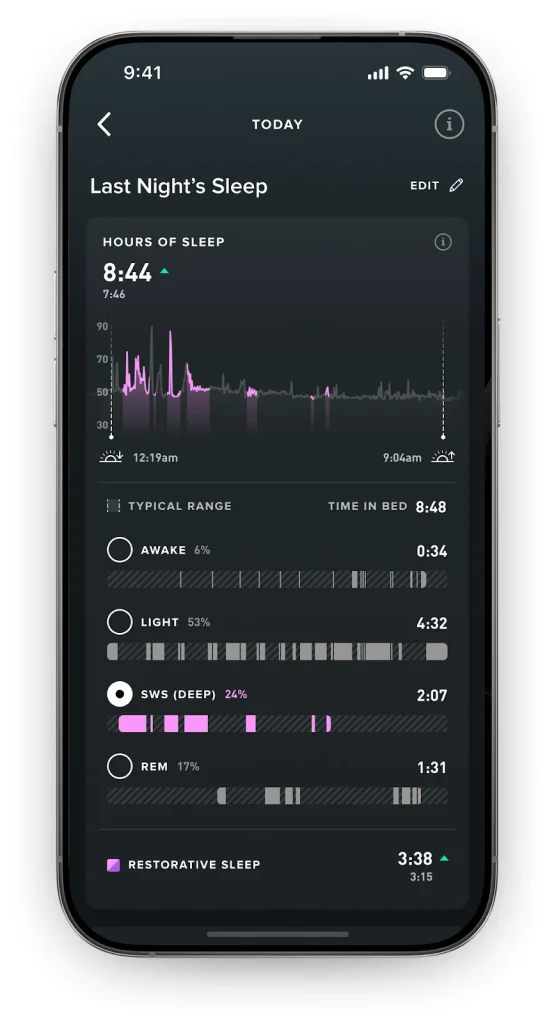
Image: WHOOP · Original source
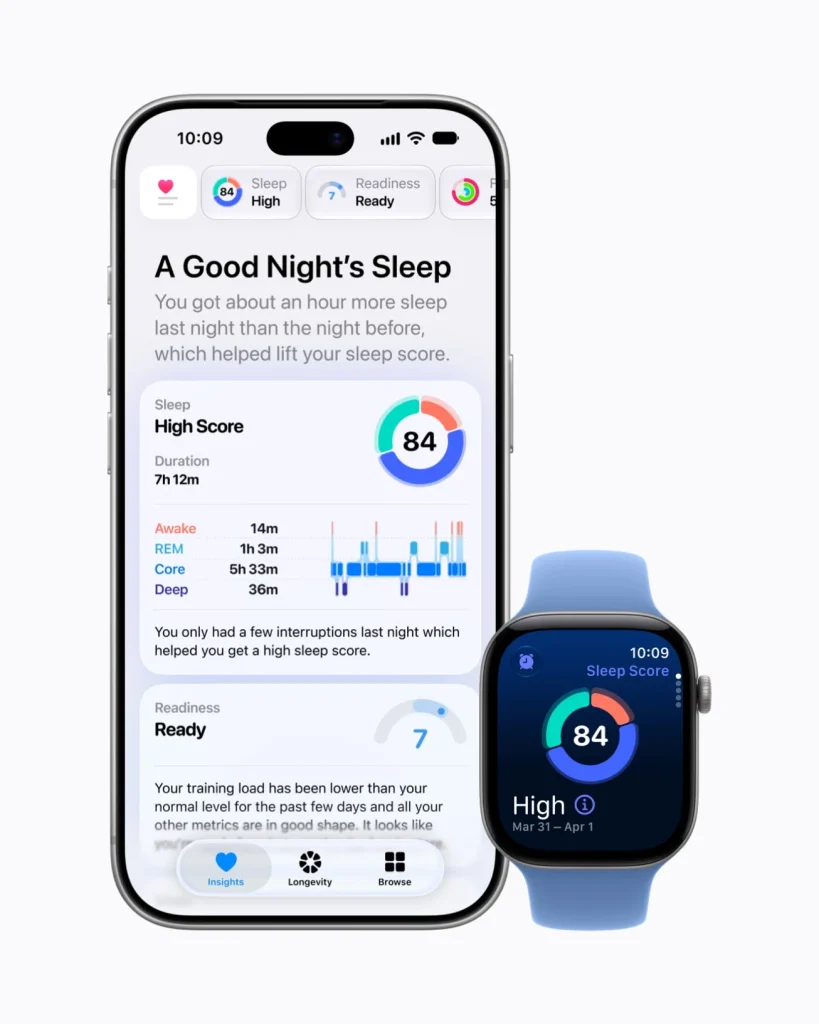
Image: Apple · Original source
The two apps are not marking the same exam. A higher score does not automatically mean a device measures better. Use the information to adjust something practical, such as bedtime, and follow your own trend over time.[2][6]
Recovery and Readiness: what differs?
WHOOP calculates Recovery from overnight data and provides a morning score relative to your personal baseline. Inputs include HRV, the variation in the intervals between heartbeats, resting heart rate and sleep. Strain tracks the load your body takes on during the day.[5][9]
Series 12 now has Readiness: a 0–10 score based on activity, training load, vitals and sleep score. Unlike WHOOP, it updates during the day as new information arrives. Do not choose WHOOP solely because you think Apple still lacks a readiness score.[1]
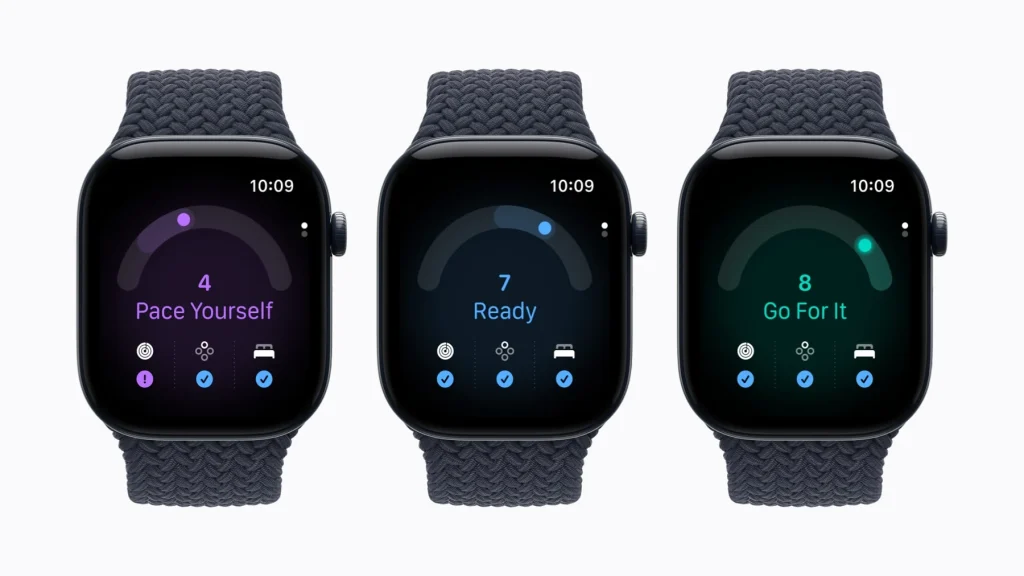
Image: Apple · Original source
If your score is low but you feel normal, examine which factor changed rather than trying to turn every number green. If you feel unwell, do not push through exercise just because the score looks good. Scores inform decisions; they do not decide for your body.[2][9]
Do you need a screen during workouts?
When running or cycling, seeing values immediately on your wrist is an Apple Watch advantage, alongside running goals and multiple workout types. If you want one device for training and everyday notifications, Series 12 is the more suitable fit.[1][2]
WHOOP has Strength Trainer for resistance training and brings Sleep, Recovery and Strain information together. It does not replace the experience of seeing live information on a screen. If you already have a sports watch, consider how much WHOOP would change your training schedule or sleep habits before paying more.[5][6]
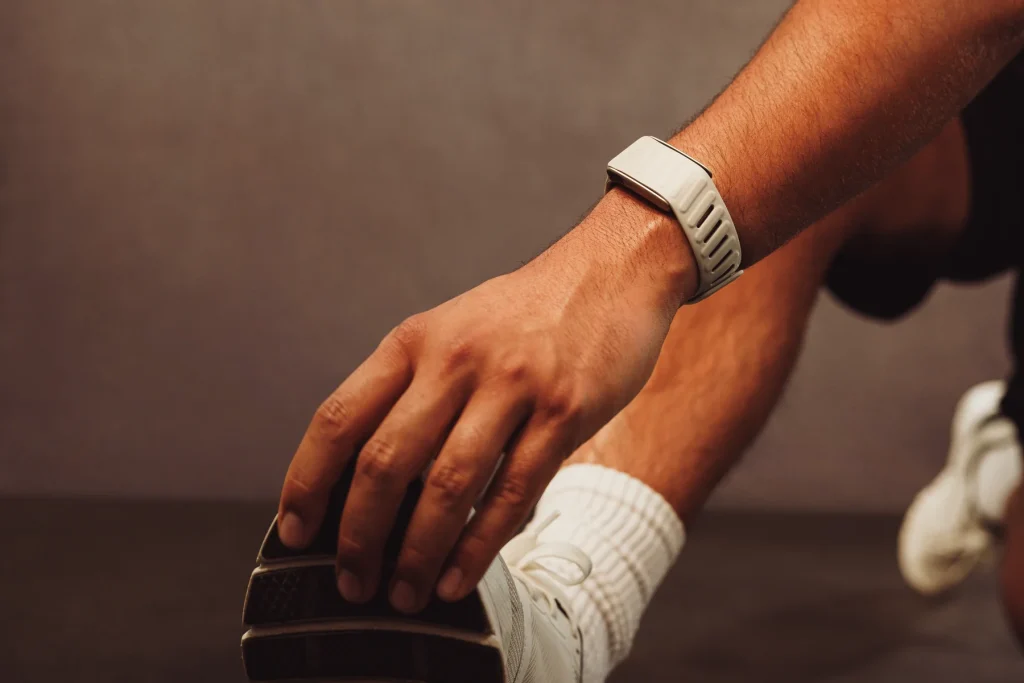
Image: WHOOP · Original source
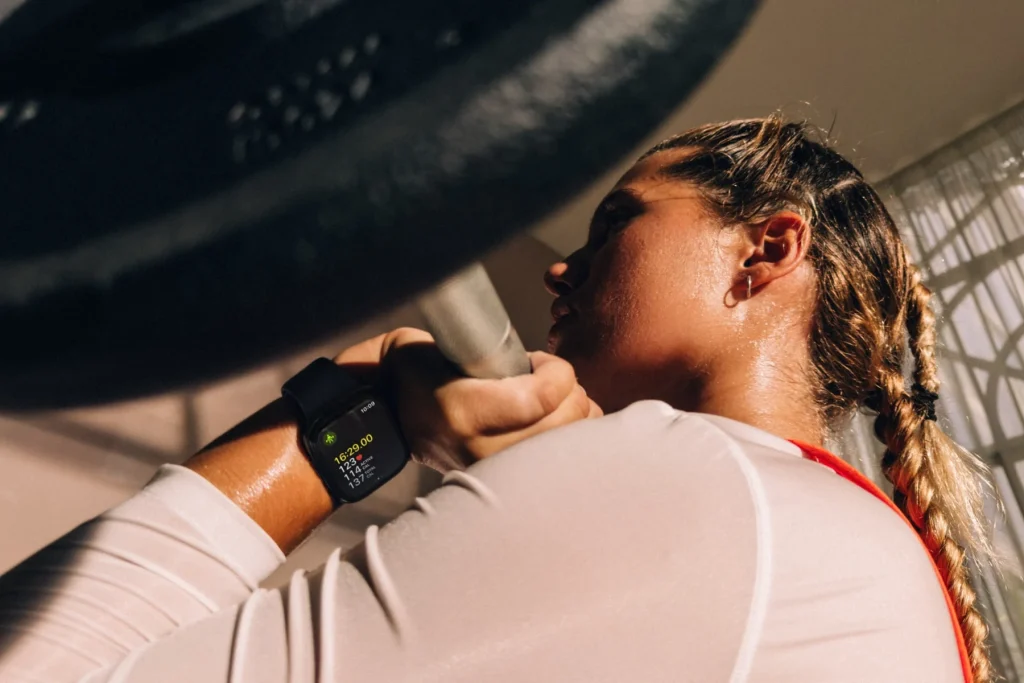
Image: Apple · Original source
Buying in Thailand: check health-feature availability
Apple lists Thailand for ECG and sleep-apnea notifications, but age, device and diagnosis restrictions still apply. Hypertension notifications carry an additional warning: Series 12 and Ultra 4 may not yet offer them in some regions while approval is pending. Check the feature on the device you intend to buy, not just the country list.[2][3]
WHOOP Life adds MG hardware and Heart Screener, but ECG and irregular heart rhythm notifications are regulated by region. Before paying more than Peak, ask the retailer or WHOOP to confirm that a Thai account can use the features you want. Blood Pressure Insights is a general-wellness feature, not a diagnostic medical device.[5][6]
Do not use recovery scores or estimates from a band instead of diagnosis, and do not change medication based on app numbers. If you need to monitor blood pressure, use the method and monitor your clinician recommends.[2][6][9]
Use Healthspan as a trend
Peak and Life include Healthspan, with WHOOP Age and Pace of Aging for long-term tracking. An app-generated age is not a clinical result proving your body has become younger. Use it to reflect on habits rather than as a verdict on your health.[5][6]
Apple announced Health Age in a redesigned Health app, initially arriving in late 2026 in U.S. English. When buying in Thailand, separate features available today from those announced but not yet available to you.[10]
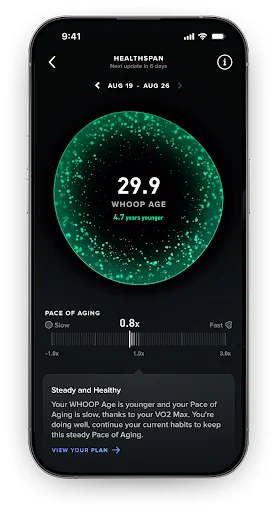
Image: WHOOP · Original source
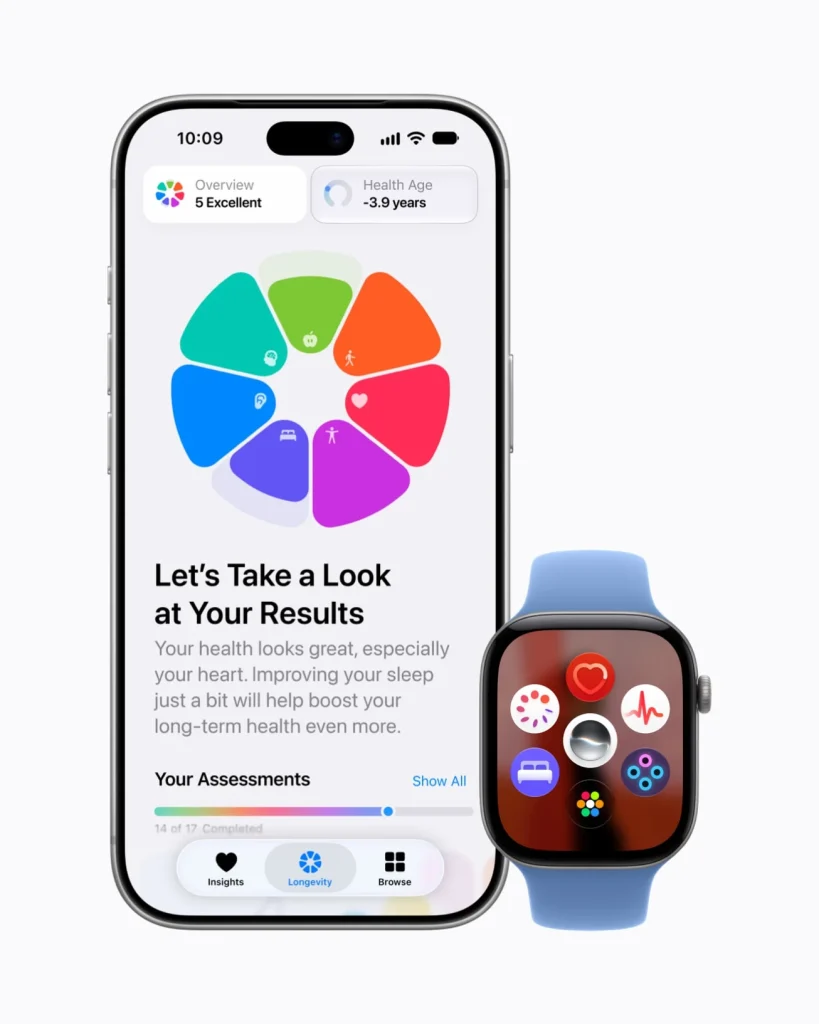
Image: Apple · Original source
Starting price and ongoing cost are different
Apple announced Series 12 starting at THB 14,900. BaNANA's WHOOP 5.0 bundles with 12 months of membership were listed at THB 9,990 for One, THB 12,990 for Peak and THB 19,590 for Life. The first bundle price does not establish that renewal will cost the same amount in baht.[1][4]
One covers Sleep, Recovery and Strain; Peak adds Health Monitor, Stress Monitor and Healthspan. If you only want sleep and training information, you do not have to start with the most expensive plan. Check the exact device and bundle contents, because One offers vary by region and sales channel.[5]
| Option | Initial payment | What to know |
|---|---|---|
| WHOOP 5.0 One | THB 9,990 / 12-month membership | The checked listing showed out of stock |
| WHOOP 5.0 Peak | THB 12,990 / 12-month membership | Adds Healthspan and health / stress monitoring |
| WHOOP Life / MG | THB 19,590 / 12-month membership | Listed discount and out of stock; check regional features |
| Apple Watch Series 12 | Starting at THB 14,900 | Apple's announced starting price; case and band selection affect cost |
Estimate costs with your own renewal quote
Choose a plan and enter your renewal price in baht to estimate costs beyond the first year.
Uses the first-bundle prices above and Apple's THB 14,900 starting price. Assumes the same device and a fixed renewal price entered by you. Excludes accessories, repairs, battery service, network fees and device replacement. This is not a quotation.
WHOOP memberships renew automatically under your account terms. Cancellation leaves service available until the end of the paid term or contractual commitment. After membership ends, new data is no longer collected or analyzed, but WHOOP says you can still view past data. Canceling membership is therefore not the same as deleting your health history.[5][8]
Answer this before choosing
What would you change in everyday life with the new information? If your answer is a more consistent bedtime, fewer consecutive hard training days or better-planned rest, there is a reason to invest. If you ultimately only glance at a score and close the app, another device may help less than you expect.
Questions before buying
Does WHOOP work with Android?
Yes, on supported phones and operating systems. Check WHOOP's list before buying, especially models with connection limitations.[7]
Do I need WHOOP Peak for sleep?
Sleep tracking and sleep guidance are included in every plan. Peak adds Healthspan, Health Monitor and Stress Monitor. Choose the features you will use, rather than assuming One lacks sleep information.[5][6]
With Apple readiness, do I still need WHOOP?
You do not need another device solely to obtain a readiness score: Series 12 already has Readiness. Use what you have first, then consider whether you want longer battery life, a screen-free device or WHOOP's guidance system.[1]
Sources
- Apple Thailand: Series 12 launch and starting price
- Apple Watch Series 12: features and conditions
- Apple: watchOS feature availability
- BaNANA: WHOOP bundles with 12-month membership
- WHOOP: Membership Pricing
- WHOOP: Sleep and Sleep Performance
- WHOOP: phone and software requirements
- WHOOP: canceling membership
- WHOOP Recovery
- Apple Newsroom: Series 12 and redesigned Health availability