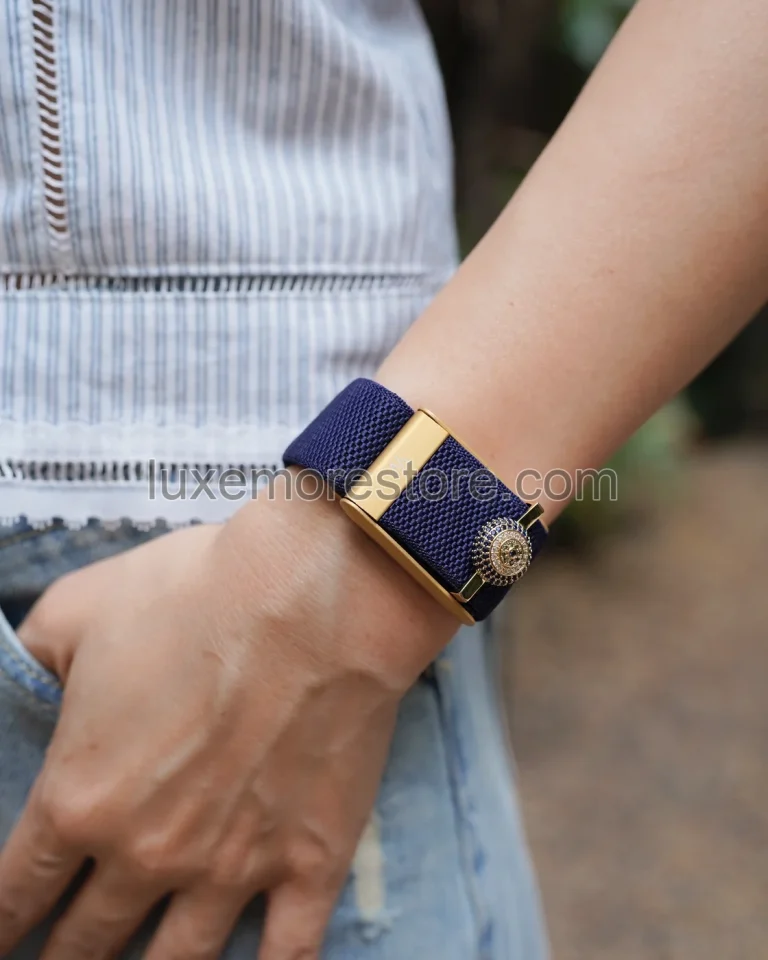
You do not need to take off your watch to make room for WHOOP. Start by wearing them on opposite wrists, then consider which arrangement better suits your outfit, your work, and the fit of each band.
Wear-position guidance in this article follows manufacturer recommendations. The suggestions on dividing devices between wrists and coordinating colours are LUXE MORE styling advice, not test results showing that one arrangement measures more accurately.
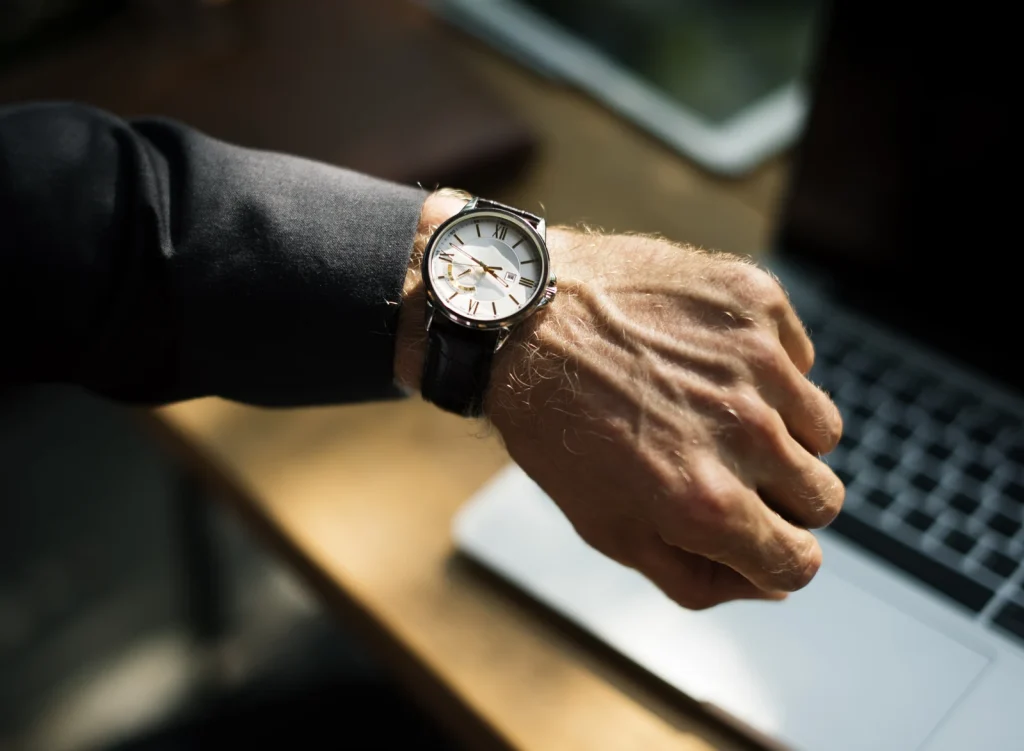
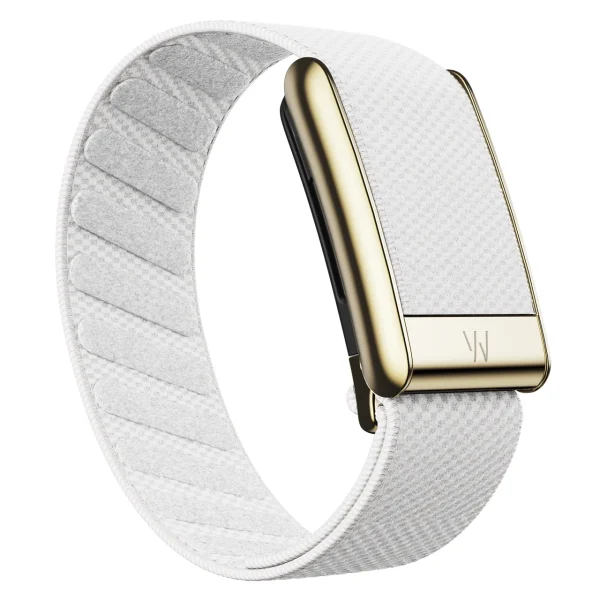
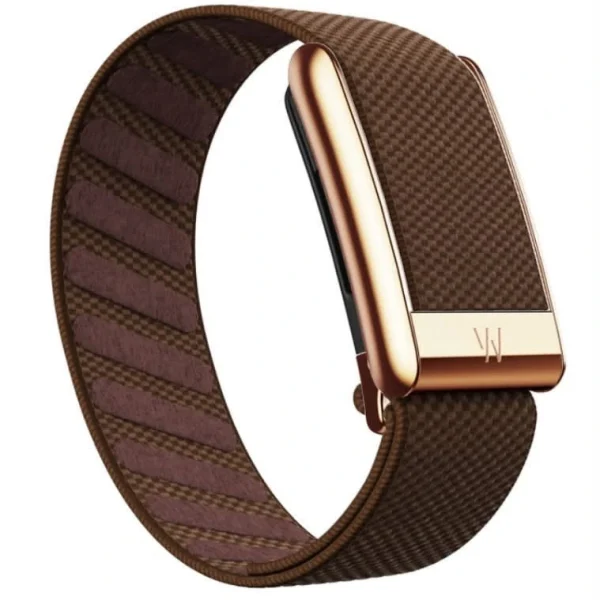
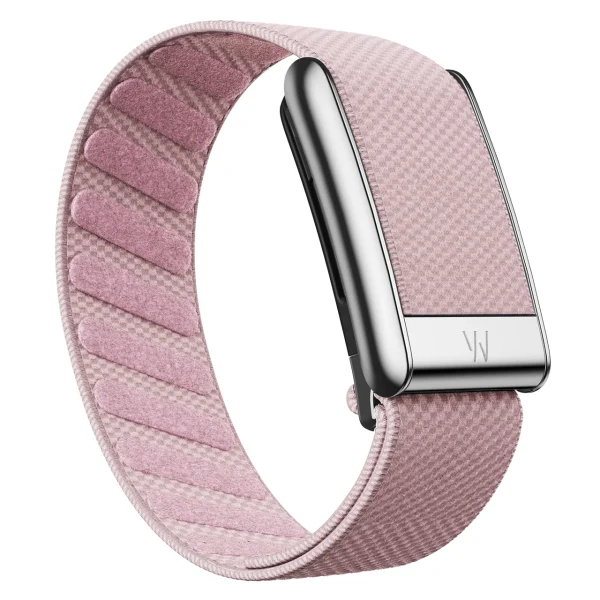
The watch and WHOOP photographs in this article are separate illustrations of placement and colour choices. They are not photographs of the devices worn together and have not been composited to suggest a shared shot.
Start with opposite wrists if you are not sure how to arrange them
If you normally wear your watch on the left, try WHOOP on the right first. Each wrist gets its own space, so neither device has to be shifted into a poor position simply to fit both.
From a styling perspective, separating them also lets the watch stand out on its own while WHOOP acts as a secondary colour in the outfit. The two pieces do not need to look like a matched set every day.
If you prefer wearing your watch on the right, reverse the arrangement. A WHOOP Staff response in the official community says WHOOP is designed for either wrist, so there is no need to force it onto the side that makes work less comfortable.[3]
Two ways to arrange your wrists
Opposite wrists
The article’s starting suggestion: give each device its own space.
Same wrist
Try this only when both devices can follow the placement guidance without crowding, pushing, or requiring a band to be loosened until it slides.
If you want both on one wrist, check the space before the styling
Before placing the two devices together, position WHOOP first. WHOOP Basics says to wear it about one finger-width above the wrist bone, snug enough that the band does not slide easily. The sensor should stay against the skin without being tightened to the point of discomfort.[1]
Then add the watch. If its case pushes WHOOP out of position, twists either band, or makes you loosen a band more than usual, do not force that arrangement. Leave only the space your wrist genuinely allows; there is no need to follow an unsupported numerical gap between the devices.
Try typing, rotating your wrist, picking up a bag, and fastening a shirt cuff. If the devices already collide or press against each other during the trial, you do not need to endure it for the rest of the day. Move WHOOP to the other wrist first.
Do not place a watch band under the sensor or stack WHOOP over the watch to save space. The sensor must sit over skin, not another device.[1]
Metal watches: use the clasp colour as the link
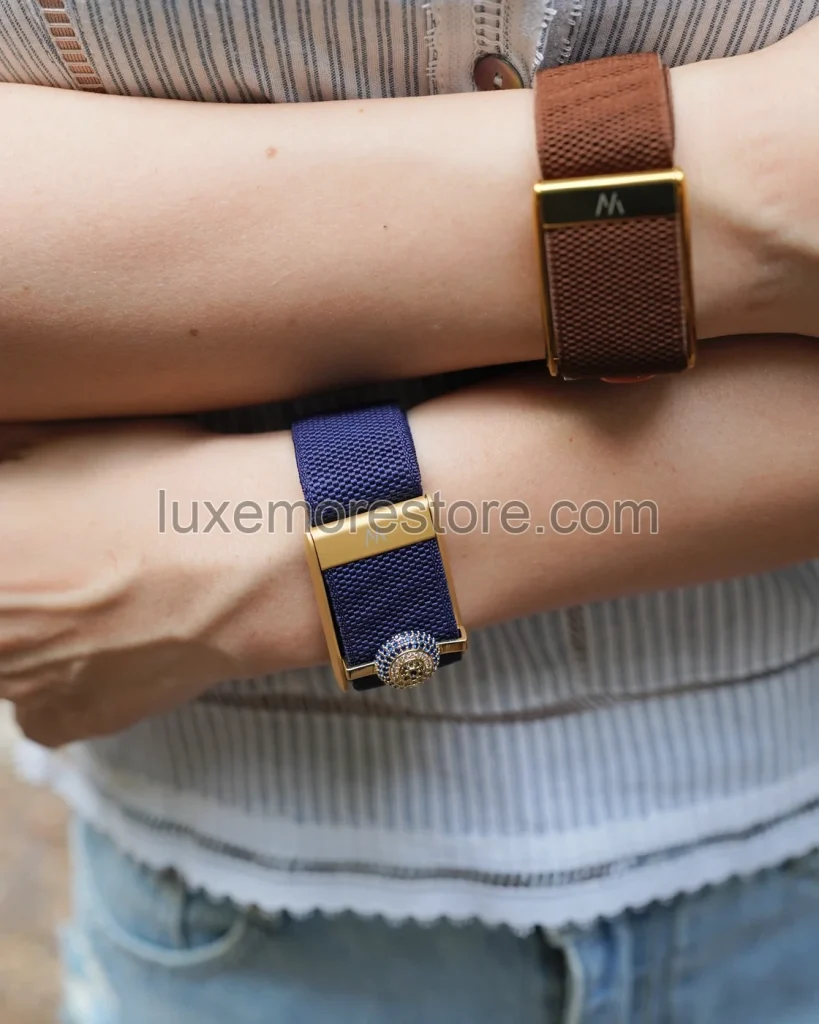
If you like metal-bracelet watches, begin with the colour of the WHOOP clasp rather than searching for a band that matches the dial. A silver-tone watch can pair with a titanium-colour clasp, while a gold-tone case can be echoed by a gold-colour clasp.
Every metal detail does not have to be the same colour. If the watch is already two-tone, pick up just one of those colours and keep the WHOOP band simple—for example, a dark band when you want the watch to lead, or a pale band for a lighter look on the wrist.
Glacier with a gold-colour clasp and Blush with a titanium-colour clasp are examples of colour directions. They do not mean the watch and band are sold as a set. Here, “gold” and “titanium” describe clasp colours, not guaranteed materials.
Leather-strap watches: choose related tones, not exact matches
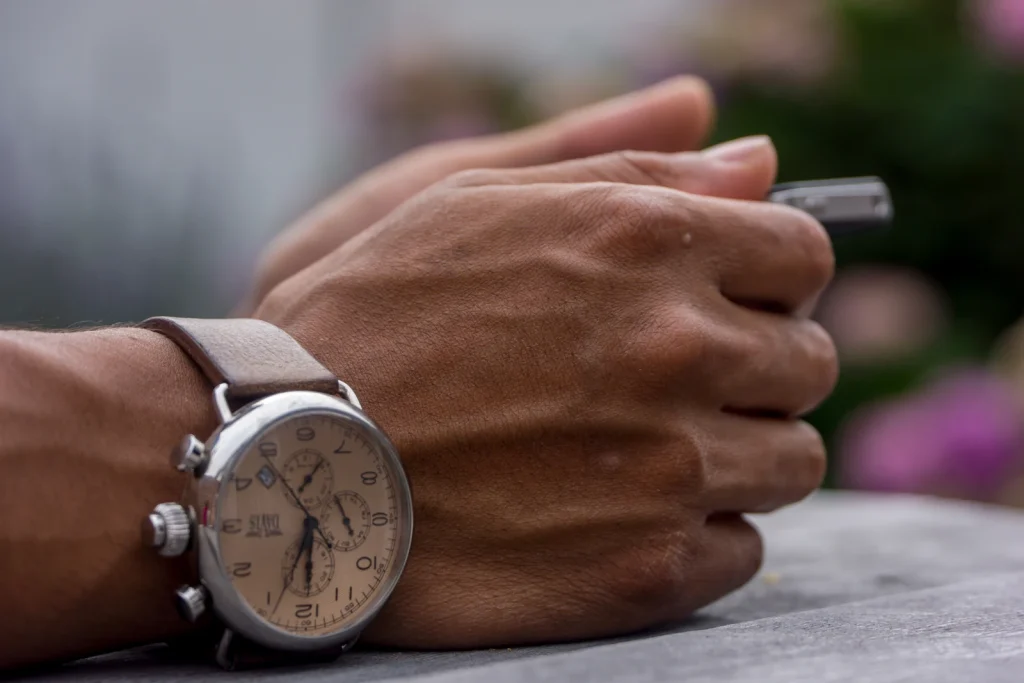
A watch with a brown leather strap does not need another brown WHOOP band beside it. Try cream, pale pink, or navy instead, then judge the pairing with the shirts and shoes you wear often.
For an earth-tone palette, Walnut with a gold-colour clasp can be a starting point. On a day with a white shirt and dark trousers, a pale band will create a different overall effect from wearing brown on both wrists.
You can coordinate the bands by colour, but do not automatically care for both in the same way. Follow each product’s own instructions rather than applying leather-watch-strap care guidance to the store’s band.
Apple Watch or Garmin: give each device its own role
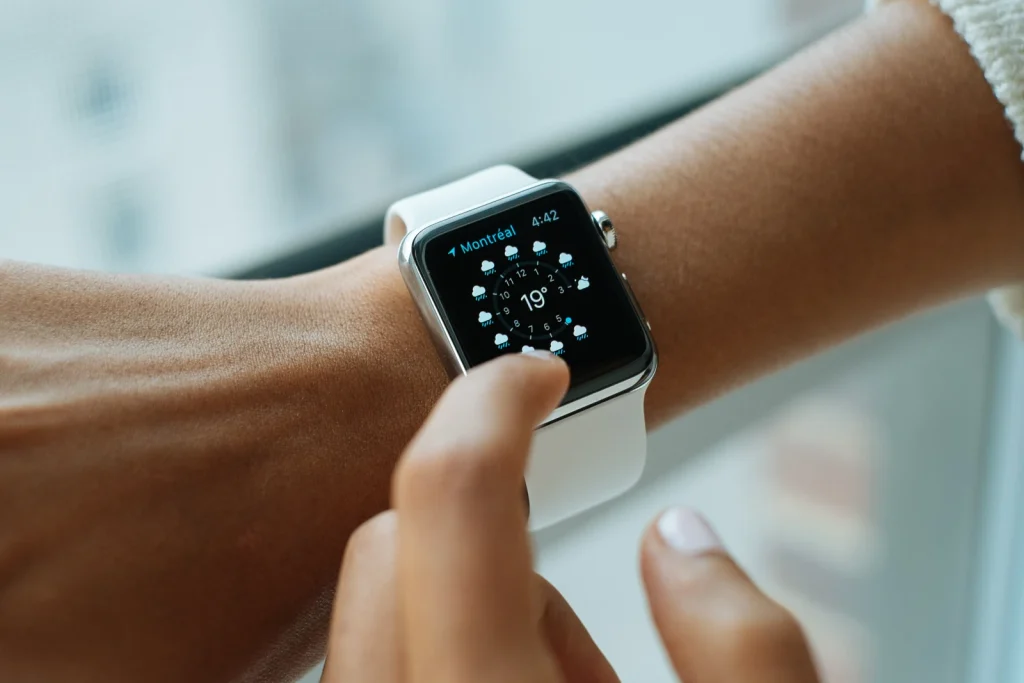
If you use a watch screen for the time, notifications, or workout information, keep the watch on the side where it is easy to view and operate, then try WHOOP on the other wrist.
If you move Apple Watch to the other wrist, make sure its wrist and Digital Crown settings match how you actually wear it. On Apple Watch, open Settings, then choose General and Orientation as described in Apple’s guide. For other watch brands, consult the manual for that model rather than assuming the menu is the same.[2]
Keep the screen on the side that is easiest to read, and choose WHOOP’s position according to sensor fit. The two devices do not need to display matching numbers before you can wear them together.
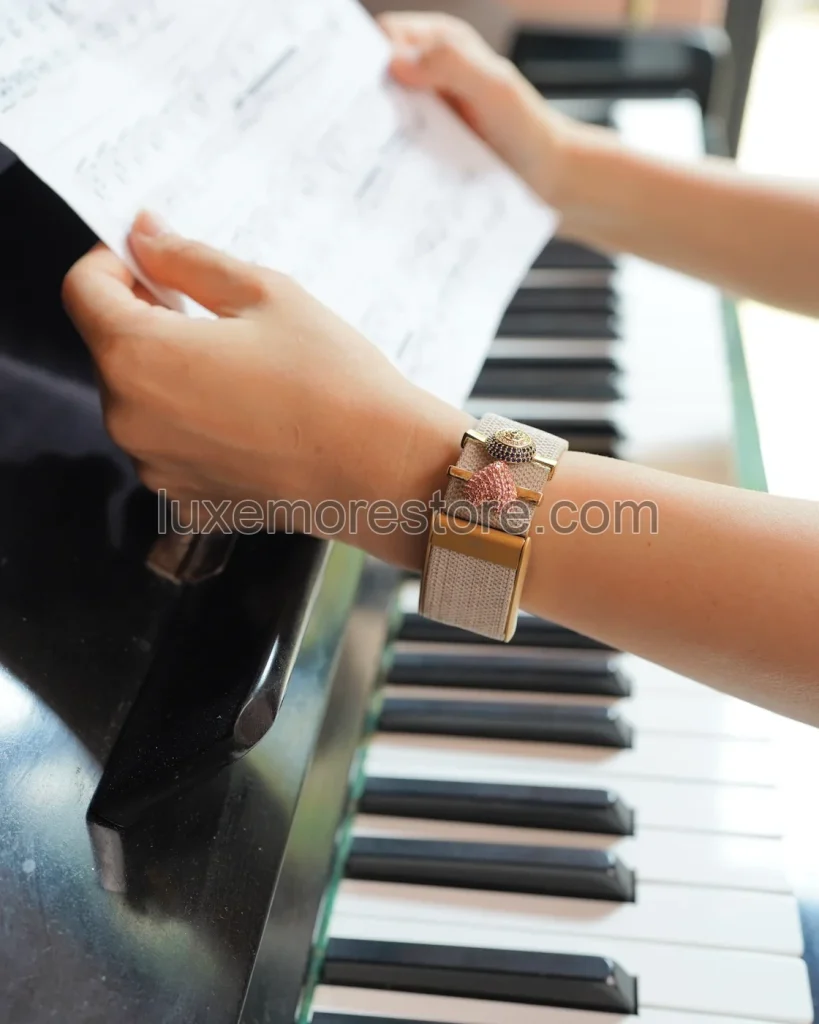
Add a charm only when there is still room on the wrist
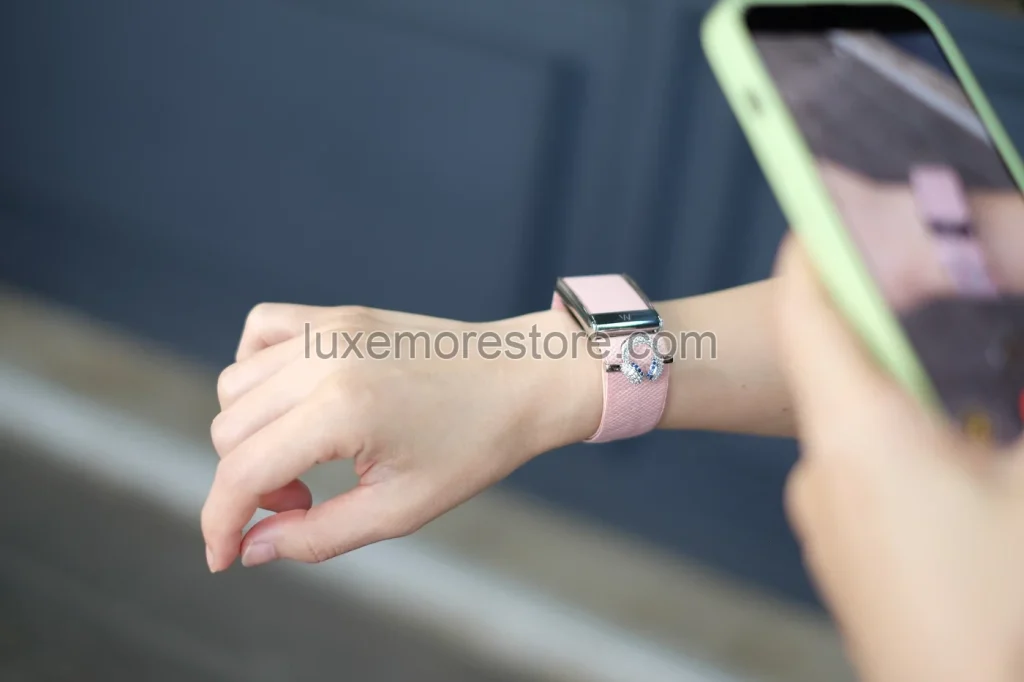
If the watch already has a prominent dial or a multicoloured strap, try WHOOP without a charm first. Once you can see the overall balance, add the small piece you want; everything does not have to be included at once.
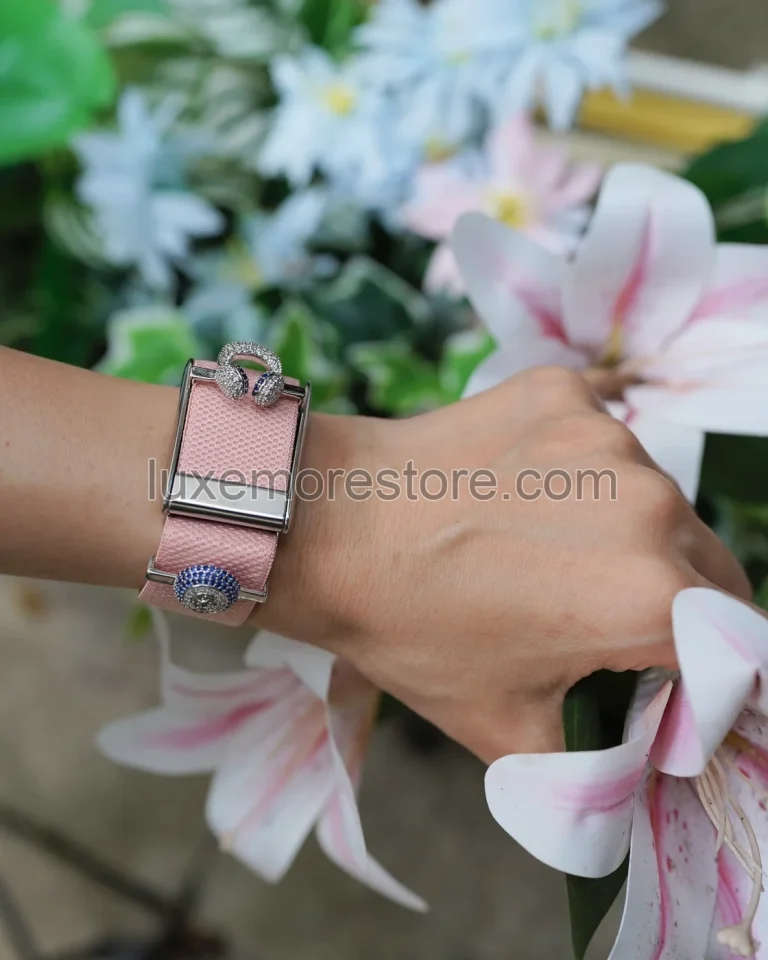
If you want the charm to be the focal point, reduce the colours in the band and other jewellery—for example, use a plain band with one charm and place the watch on the other wrist.
A charm should sit on a supported part of the band, not beneath the sensor or across a connection point, and it should not be used to hold a loose band in place. If the band slides or will not stay fastened, check the band rather than adding jewellery as a fix.
Test the arrangement with the clothes you will actually wear
A mirror check is not enough. A long-sleeved shirt and a T-shirt leave different amounts of wrist space. Move the sleeve up and down, rest your arm on a table, and handle the objects you use regularly before deciding.
Begin with your usual watch and WHOOP on opposite wrists for a day, then change one thing at a time, such as the band colour or clasp colour. The effect is easier to notice than when the whole wrist changes at once.
If you genuinely do not want devices on both wrists, moving WHOOP to the upper arm requires a manufacturer-supported biceps band and a check of feature limitations. Do not simply slide a wrist band up the arm or assume every wear location is interchangeable.[1]
Before choosing a LUXE MORE band
Start with the device model, band colour, and clasp colour you want to pair with the watch. Do not choose a band because you expect it to raise a health score or recover missing data.
The store’s bands are third-party accessories for WHOOP 5.0 and WHOOP MG. They do not support WHOOP 4.0, and the product does not include a WHOOP device or any watch shown as an example.
A band without MG in its name does not support ECG measurement on WHOOP MG, even if it fits the device. Check the details of the specific band with the store before buying.
If you already have a watch you wear regularly, place it beside the band colour you like. Sometimes changing only the clasp colour is enough to create a look you will want to wear again tomorrow.
Questions before wearing WHOOP with a watch
Do I have to wear WHOOP on my non-dominant wrist?
WHOOP Staff says it can be worn on either wrist. Choose according to fit and the work you need to do; you do not have to move it to your non-dominant side simply because you think everyone must wear it the same way. If the device strikes the desk or interferes with work, try switching wrists while maintaining the recommended placement.[3][1]
Will the data be less accurate if both devices are on the same wrist?
That cannot be concluded from the number of devices on the wrist alone. Check whether WHOOP is in the recommended position, against the skin, and not being pushed out of place by the watch. This article contains no comparative test of the two arrangements and does not claim that either is more accurate.
Does the clasp colour have to match the watch?
No. You can repeat one colour for a controlled palette, or choose different colours and let the clothing connect them. This is a styling preference, not a requirement for WHOOP to function.
Can I wear a charm and a watch together?
Start with wrist space and comfort. Do not let jewellery crowd the devices or obstruct the sensor. If the wrist looks crowded or the pieces collide when you move, remove a charm or move the watch to the other wrist first.
Do all of the store’s bands support ECG on WHOOP MG?
No. A band without MG in its name does not support ECG on WHOOP MG. Check the details of each band with the store before buying; “MG compatible” alone does not establish ECG support.
Read next
- How to wear WHOOP with the right fit
- Choose band and clasp colours
- Check the device generation before buying a band
Read the manufacturer guidance
- WHOOP BasicsUsed for guidance on wearing the device one finger-width above the wrist bone, a snug fit, and use of a biceps band; not a comparison of wearing two devices on the wrist.
- Apple: Change the language and orientation on Apple WatchUsed for the Settings, General, and Orientation options when changing wrists or Digital Crown position; not advice to place Apple Watch and WHOOP on opposite wrists.
- WHOOP Community: Answer about which wrist to wear WHOOP MG onUsed for a WHOOP Staff answer stating that the device can be worn on either wrist. This is a response in the official community, not a main WHOOP Support article.
LUXE MORE is an independent third-party retailer and is not affiliated with, endorsed by, sponsored by, or an authorized reseller of WHOOP. WHOOP is a trademark of its respective owner.