In short
- WHOOP 5.0 and MG bands can be changed by hand with no tools, in under a minute.
- To remove: open the clasp, take it off your wrist, slide the Fast Link connector out sideways, then free the two hook prongs from the holes on the sensor.
- To fit: slide the connector on until it sits flush with the sensor, press the hook into the holes on the other side, then close the clasp. If it won't slide on, the band is usually upside down.
- 4.0 and 5.0 / MG bands aren't interchangeable, so check your model before buying a band.
The band in the box tends to stay on so long you forget it comes off. Then you want a new colour, or a spare for workouts, and you're not sure where to start. The real steps are shorter than you'd think, and you don't need a single tool.
Before you start: match the band to your model
These steps are for WHOOP 5.0 and WHOOP MG. A 4.0 comes off and goes on in a similar way, but 4.0 bands and the new bands aren't interchangeable because the device size and connector changed. If you're not sure which model you have, check the device ID on the side of the sensor.
Taking the old band off
- Open the clasp: lift the end with the metal plate up from underneath, then take the band off your wrist.
- Slide the Fast Link connector sideways, off the sensor.
- Press the two hook prongs out of the small holes on the sides of the sensor, and the sensor comes free of the band.
Do this over a table or a bed rather than a hard floor: once the hook is free, the sensor drops out straight away.
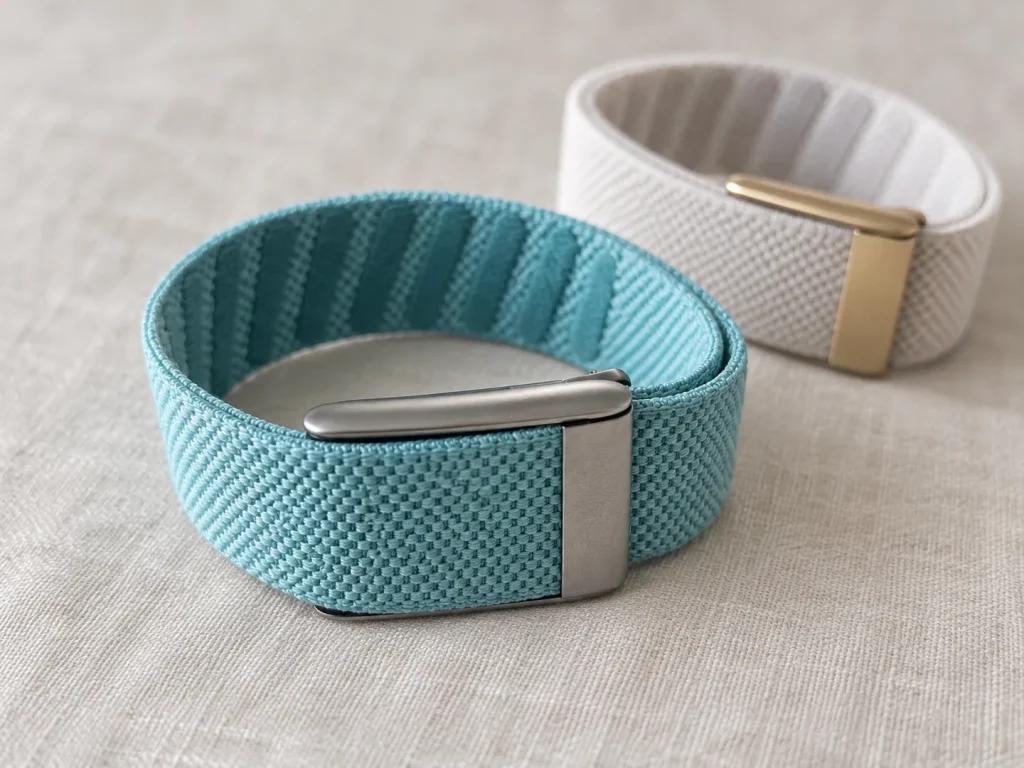
Fitting the new band
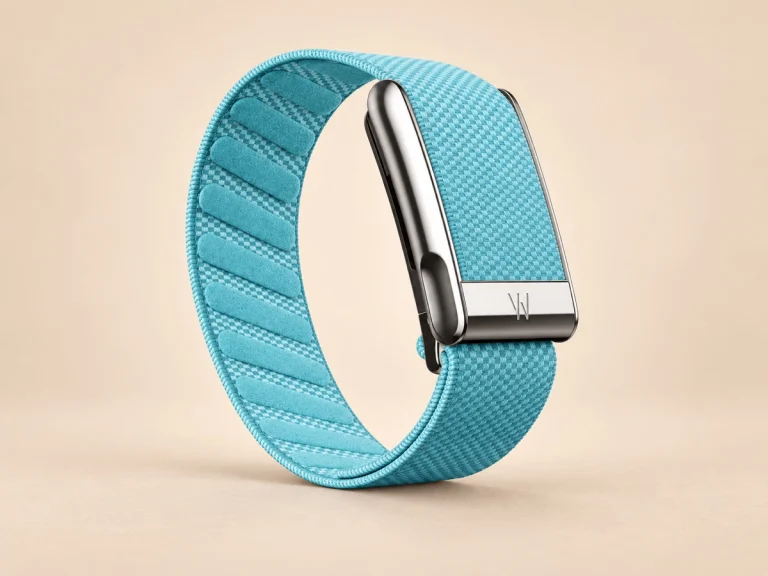
- Slide the new band's Fast Link connector onto one side of the sensor until it sits flush with both edges.
- Press the hook prongs into the holes on the other side of the sensor, keeping the band untwisted.
- Put it on your wrist and close the clasp over the sensor by pressing on the metal plate.
- Adjust it to sit snug, about an inch above your wrist bone.
The connector only fits one way, like a jigsaw piece. If it feels stiff or won't go on, don't push harder; flip the band over and try again, and it usually slides straight in.
When it won't come off or won't go on
The most common snag is trying to slide the connector while the clasp is still closed, or sliding it the wrong way. Open the clasp first, then slide the connector out sideways rather than pulling straight up.
If it's still stuck, check for lint or dust in the groove, wipe it with a dry cloth and try again. Don't use pliers, a screwdriver or anything hard to lever it, as you can scratch or bend the connector or the sensor. If a part is bent or cracked, stop using that band and contact the seller.
Worth knowing when you swap bands
On a WHOOP MG, taking an ECG needs a WHOOP MG band with a conductive clasp. Other bands fit the MG but can't take an ECG; everything else tracks as usual.
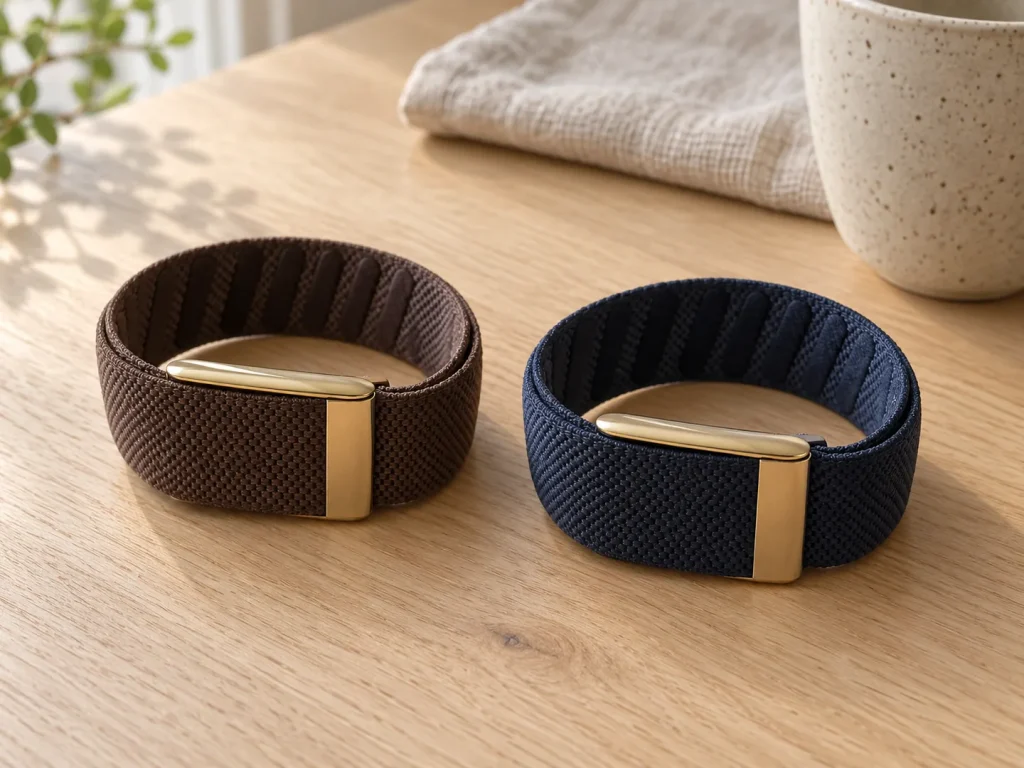
Metal-mesh bands such as Meridian have to come off before charging, because the metal interferes with wireless charging. With a fabric band you can charge while wearing it by sliding the Wireless PowerPack onto the sensor.
Two bands to swap between makes life easy: one for every day, another for workouts or days you dress up. Once you've done it a few times, changing to match an outfit takes under a minute.
Bands in our shop
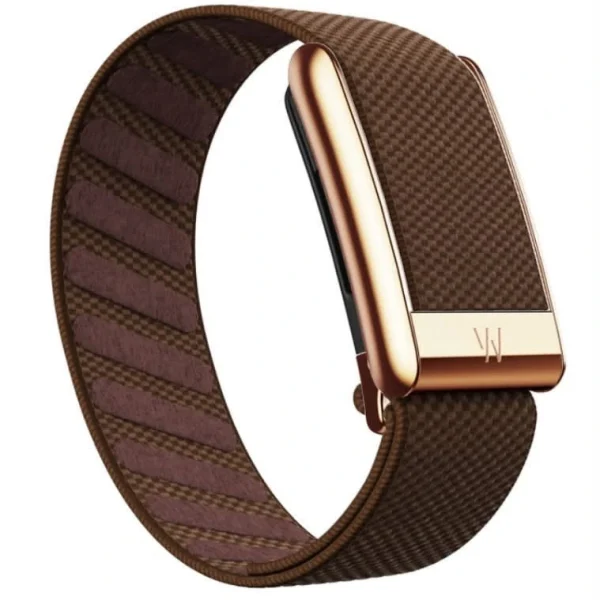
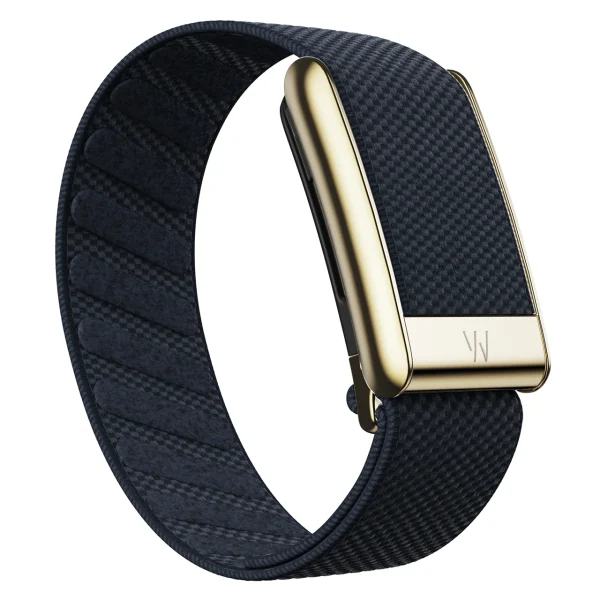
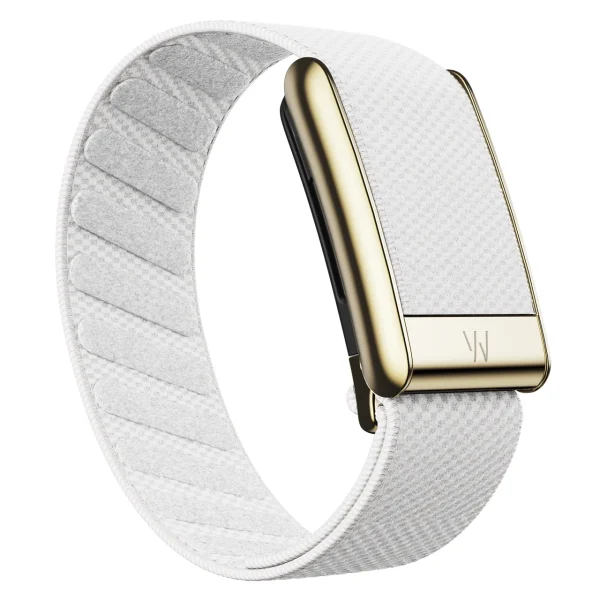
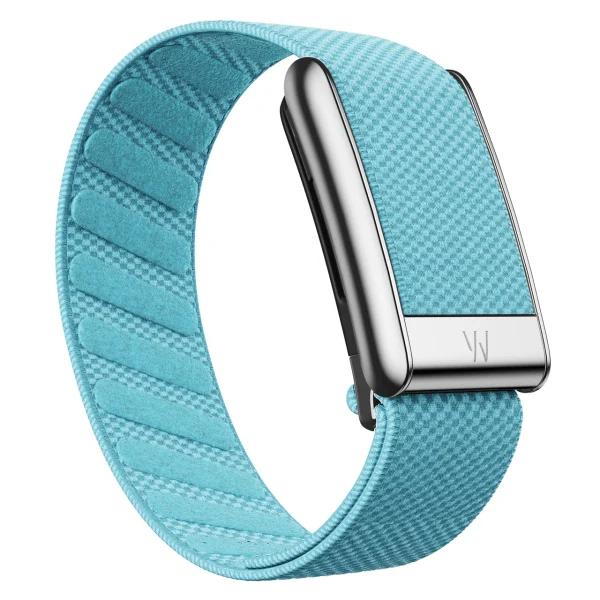
Our bands are third-party accessories with compatibility that varies by family: SuperKnit Luxe fits WHOOP 5.0 only, while SportFlex fits WHOOP 5.0 and WHOOP MG and includes ECG contacts. Neither family fits WHOOP 4.0.
If you bought a band from us and get stuck on any step, message us on LINE @890tunir and we'll help.
Frequently asked questions
Can I change my WHOOP band myself?
Yes. WHOOP 5.0 and MG bands come off and go on by hand via the Fast Link connector, with no tools, in under a minute.
My WHOOP band won't come off. What do I do?
Open the clasp first, then slide the connector out sideways rather than pulling straight up. If it's still stuck, wipe the groove with a dry cloth and try again; don't lever it with tools.
Why won't the new band slide on?
Usually the band is upside down: the connector fits only one way, so flip it and try again. Also check the band is made for your device's model.
Is changing a WHOOP MG band the same as a 5.0?
The steps are the same, but to take an ECG on an MG you need a WHOOP MG band. Other bands fit but can't take an ECG.
Can I charge WHOOP while wearing the band?
With a fabric band, yes, using the Wireless PowerPack. Metal-mesh bands such as Meridian must come off before charging.
LUXE MORE is an independent store selling third-party accessories and is not affiliated with, endorsed, sponsored or authorised by WHOOP. WHOOP, WHOOP 5.0, WHOOP MG, Fast Link, Meridian and Wireless PowerPack are trademarks of WHOOP, Inc. The steps in this article summarise WHOOP's help pages, checked on 8 October 2026.